



 Resources
 Feature overview

 Ganesh
 2026-08-18 11:08
Nowadays, many people engaged in cross-border e-commerce and overseas social media marketing are very concerned about whether proxy IPs are easy to use, whether the current IP carries any risks, and whether the location displayed by the IP address is accurate.
At this time, finding a reliable IP detection website becomes essential. A professional IP detection website will help us determine the IP type, ISP/carrier, data center attributes, proxy characteristics, and whether there are any anomalies in the network environment.
Next, let us talk about which proxy IP detection websites are worth using in 2026, which IP detection tools are currently popular, and which ones are easy and practical to use in actual operations.

1. What is an IP Detection Website Mainly Used For?
A comprehensive IP detection tool usually allows you to check basic data such as the public IP address, country/region, city, ISP/carrier, ASN, and network type.
Particularly after purchasing a proxy IP, it is not recommended to use it immediately. Running an initial proxy IP check to see if the actual location matches what the provider specified, and then assessing the IP type and risk status, can save you from many common pitfalls.
It is important to note that the IP geolocation itself does not equal the user's real physical location. Therefore, IP lookup results are better suited as a reference for evaluating network environments rather than as precise positioning tools.
2. Recommended Proxy IP Detection Websites in 2026
1. ToDetect: Comprehensive & Well-Rounded Detection
If your main goal is proxy IP testing, ToDetect deserves the top spot. Instead of simply displaying "what your current IP is," it evaluates IP quality, proxy identification, and the browser environment together.
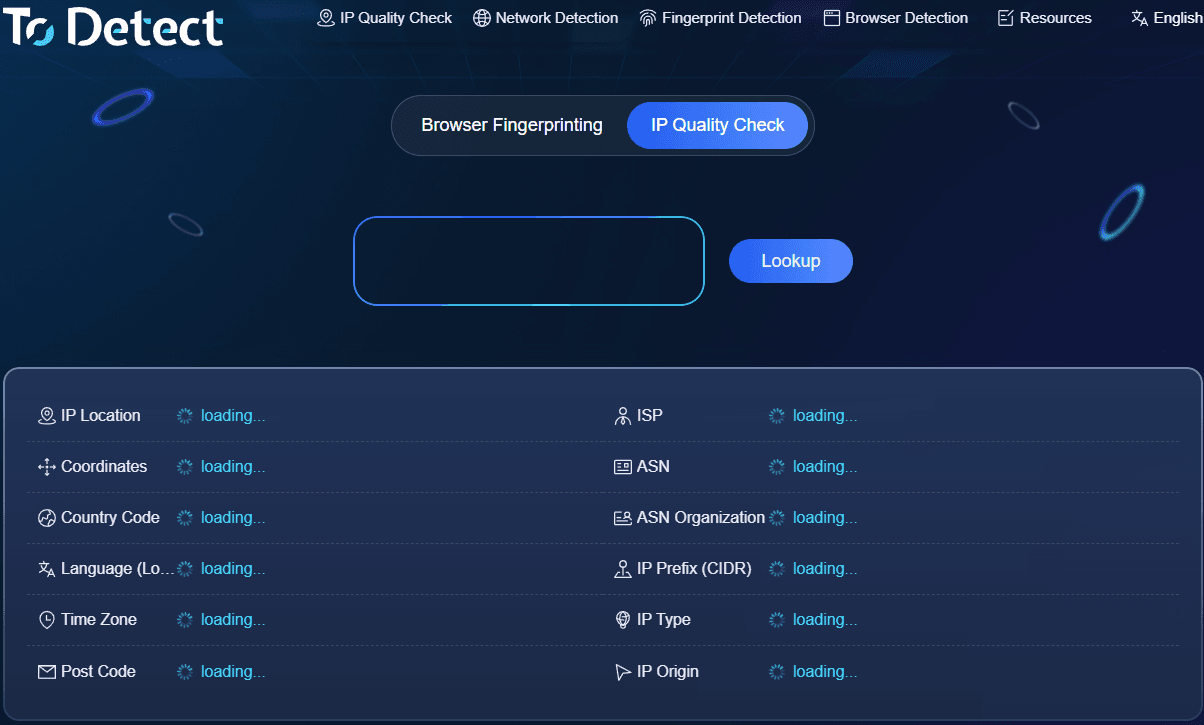
Currently, the page shows an overall IP quality score while offering checks for browser fingerprint consistency, DNS, WebRTC, and related leaks. It is very suitable for cross-border e-commerce sellers, overseas social media managers, and users who want to inspect their environment after purchasing proxy IPs.
ToDetect provides broad coverage with rich test items, a user-friendly Chinese interface, and a well-integrated combination of IP checking and browser fingerprint auditing.
2. IPinfo: Established Leader in IP Lookup & Databases
IPinfo is best understood as a professional IP information query platform. It excels at delivering accurate IP geolocation, ASN, ISP, and network type data. It also provides API services, making it highly advantageous for developers, data analysts, and enterprise applications.
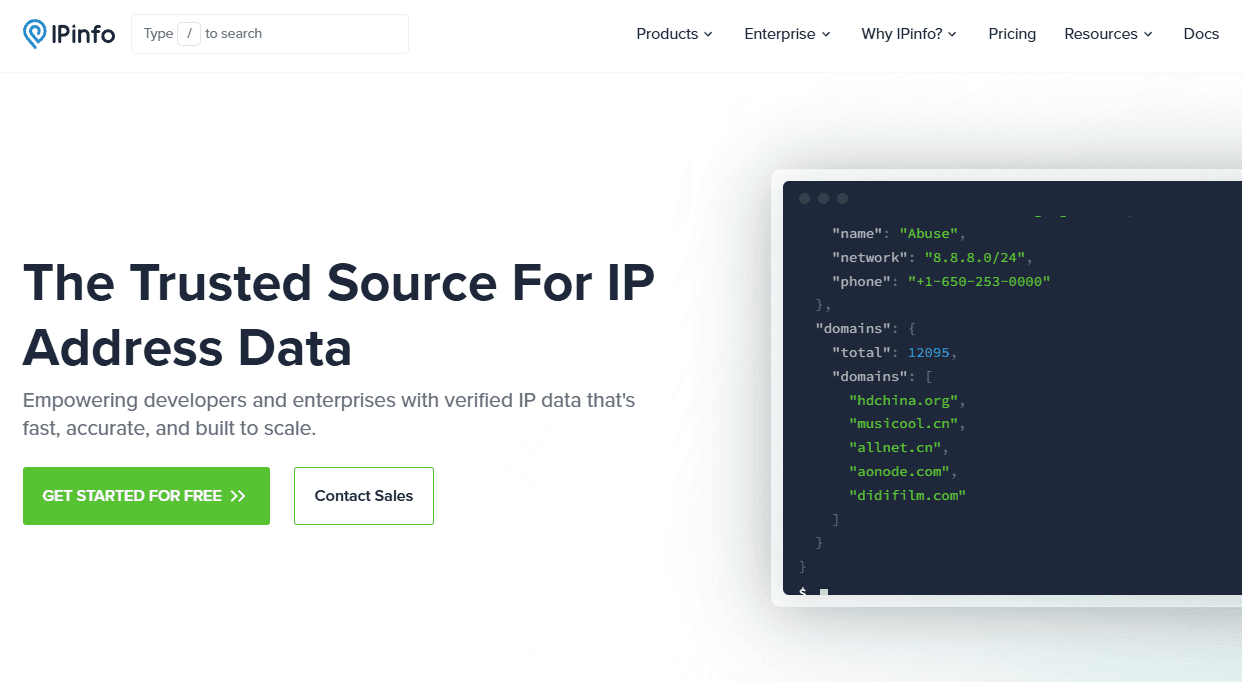
According to official 2026 data, IPinfo offers various dimensions of data depending on the plan, including IP geolocation, ASN, privacy detection, residential proxy identification, mobile carriers, and IP Whois data.
3. Whoer: Ideal for Anonymity & Privacy Checks
Whoer has very distinctive features, focusing primarily on IP lookup, anonymity, and privacy detection. For users running proxy networks, it acts as a great secondary check to observe whether their current setup leaks information they want kept private.
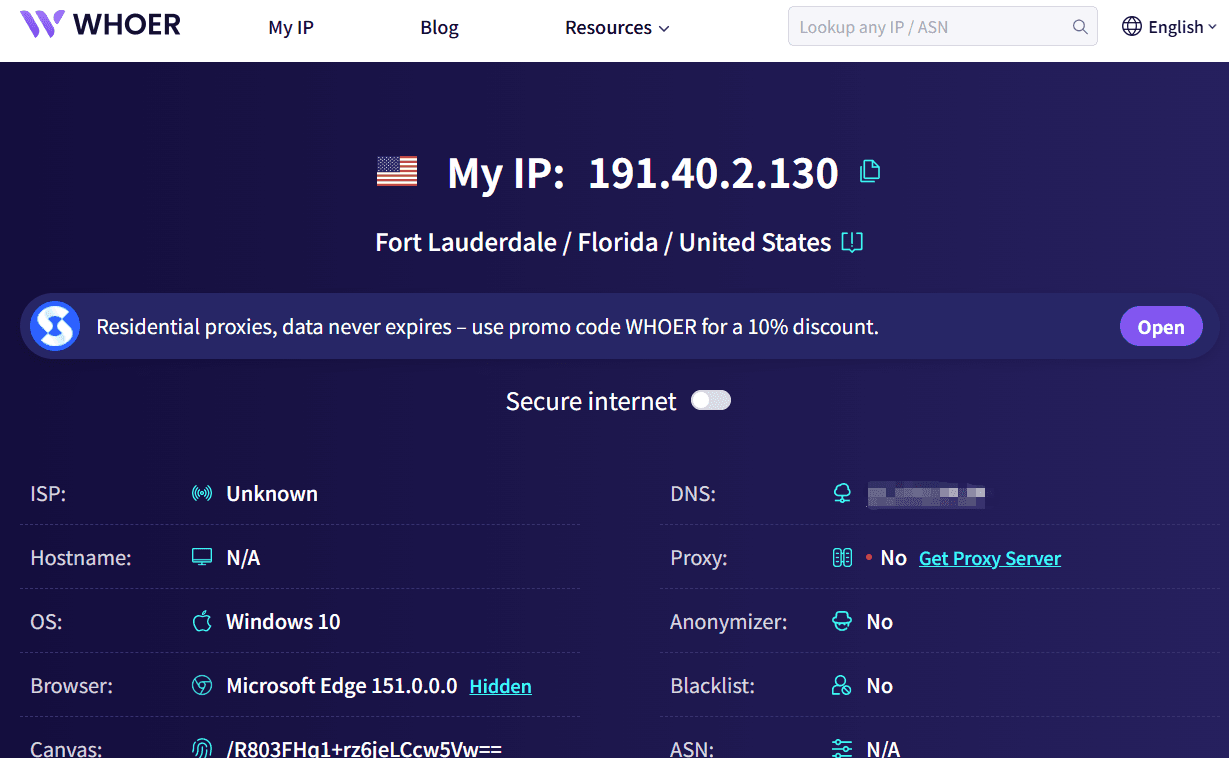
It is especially suitable for general users to quickly verify "whether the proxy has taken effect after switching." If you want to further confirm potential DNS or WebRTC leaks, Whoer is a valuable addition to your workflow.
4. BrowserLeaks: Deep Browser Fingerprint Analysis
If your focus goes beyond the proxy IP to whether the entire browser environment is leaking identifiable parameters, BrowserLeaks is worth highlighting individually.
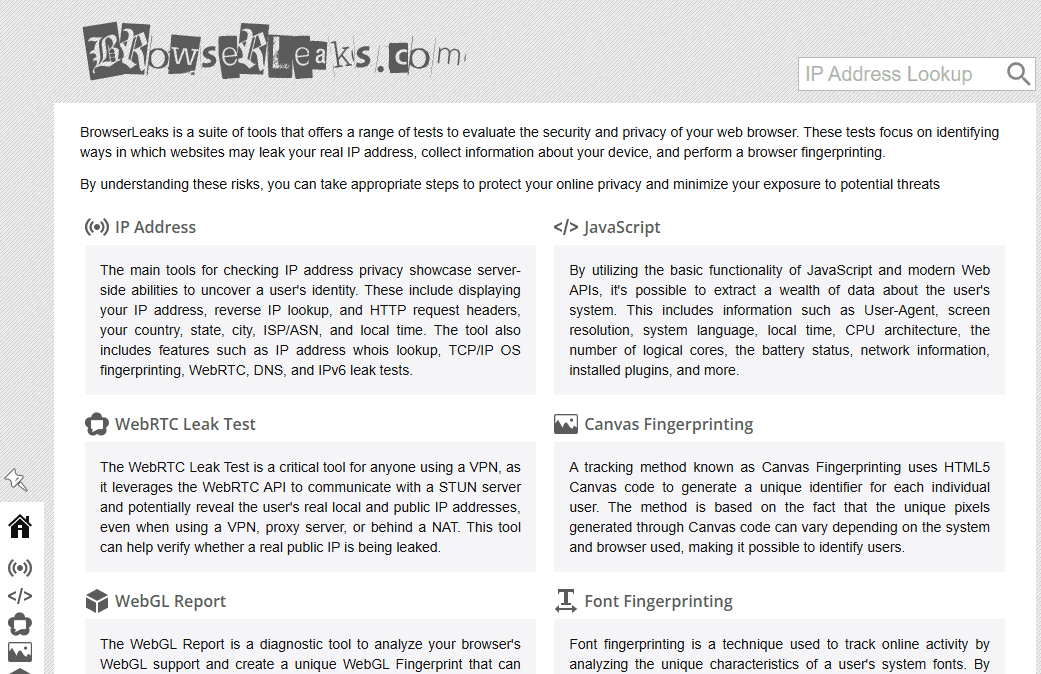
Its standout feature is highly detailed testing metrics, including Canvas, WebGL, AudioContext, system fonts, time zones, and other browser/device hardware data. For privacy testing and anti-fingerprinting research, this data provides more actionable insights than simply looking up an IP address.
5. Scamalytics: Focus on IP Reputation & Fraud Risk
If you care deeply about proxy IP risk scoring, fraud detection, and overall IP reputation, Scamalytics is an essential tool to monitor.
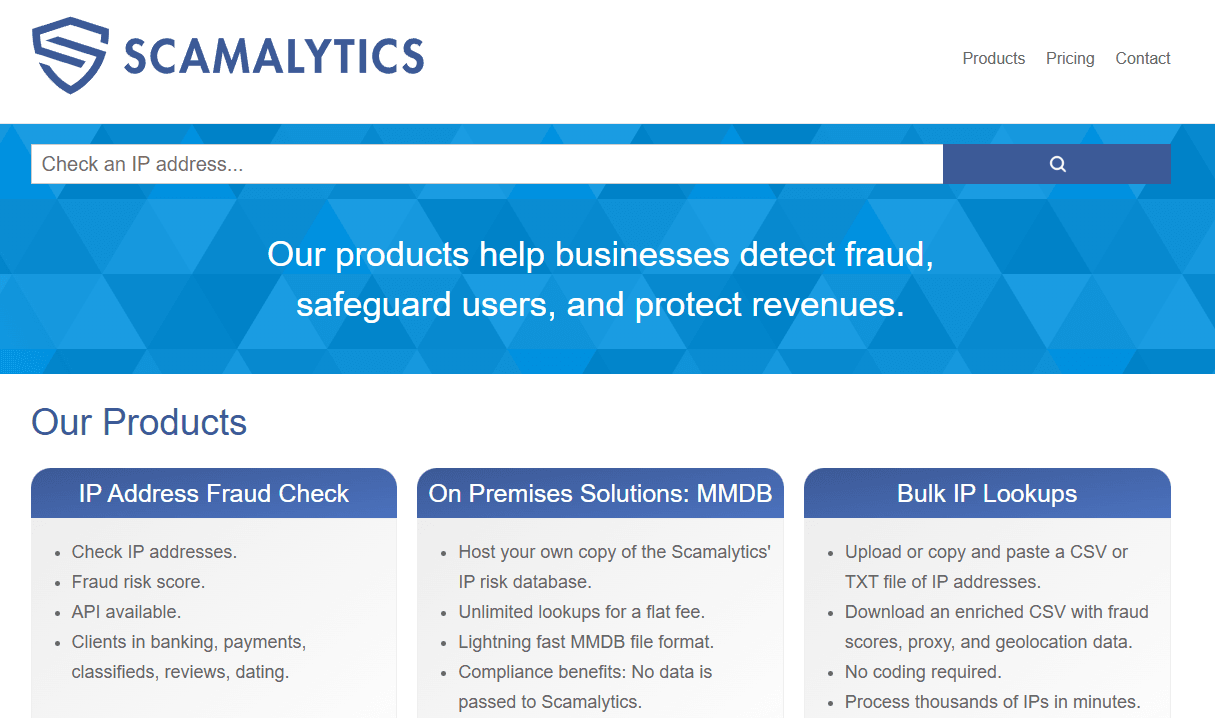
Its detection focus is distinct from IPinfo's. While IPinfo focuses on answering "what is this IP," Scamalytics focuses on "how risky is this IP." This delivers immense value for scenarios like cross-border e-commerce, ad campaigns, and payment risk control.
Overview of 5 Representative IP Detection Tools
| IP Detection Site | Core Strength | Proxy Testing | IP Risk Score | Browser Env | Best Suited For |
|---|---|---|---|---|---|
| ToDetect | IP Quality + Proxy + Browser Env Check | ★★★★★ | ★★★★★ | ★★★★★ | E-commerce, Proxy Users |
| IPinfo | IP Geolocation, ASN, ISP, Raw IP Data | ★★★★ | ★★★ | ★★ | Developers, Enterprise, Global Biz |
| Whoer | Anonymity, DNS & WebRTC Detection | ★★★★ | ★★★★ | ★★★★ | Proxy & Privacy Audits |
| BrowserLeaks | In-depth Browser Fingerprinting | ★★ | ★★ | ★★★★★ | Fingerprint & Security Testing |
| Scamalytics | IP Reputation & Fraud Risk Score | ★★★★★ | ★★★★★ | ★ | Risk Control, E-commerce, IP Vetting |
3. Which Metrics Should You Check During a Proxy IP Lookup?
First, check the IP Type. Common types include residential IPs, data center IPs, and mobile IPs. Different businesses require different IP types; residential IPs aren't inherently superior to data center IPs—it all depends on your specific use case.
Second, check the ASN and ISP/Carrier information. If you purchased a regional residential proxy but the lookup shows it clearly belongs to a cloud data center, you need to verify the details with your proxy provider.
Third, look at proxy traits and risk indicators. Some IPs display normal geolocations on the surface, but may be shared heavily among many users or possess obvious proxy signatures. In these cases, judging by IP address and city alone is insufficient.
Additionally, monitor whether the IP changes frequently, exhibits IPv4/IPv6 anomalies, or suffers from DNS/WebRTC leaks. For users with strict network environment requirements, these indicators are often much more important than simple IP location lookup.
4. How to Choose an IP Detection Site? Standard Criteria
For personal, everyday lookups, there is no need to seek out overly complex websites. Fast loading speeds and straightforward results are more than enough.
For proxy IP users, choose platforms that provide IP geolocation, ASN, ISP, IP type, and proxy characteristics all in one place. A single test should ideally cover the primary concerns.
For cross-border e-commerce, digital advertising, or social media management, opt for tools that support comprehensive environment testing. In these scenarios, the real question isn't just "which country is the IP in," but "is the overall network environment natural and consistent?"
Because different IP databases update at different intervals and gather data from various sources, seeing discrepancies in city names or ISP labels across different sites doesn't necessarily mean one is wrong. For critical operations, check across multiple platforms and make a holistic judgment based on your practical network environment.
5. Proper Procedure for Proxy IP Testing
Step 1: Connect to the proxy IP you plan to use, open the IP detection site, and confirm that your public IP address has successfully changed.
Step 2: Perform a basic IP query to check country, city, ISP, and ASN data, making sure it aligns with the node details you purchased.
Step 3: Pay special attention to the IP type. If you purchased a residential IP but the test reveals data center attributes, investigate further.
Step 4: If the platform supports IP risk scoring, proxy detection, or browser fingerprint checks, perform a full suite check. Keep an eye out for mismatches between the IP region and your browser's time zone or language settings.
Finally: Test periodically at different times of day if conditions permit. Proxy IPs rarely remain static in performance; IP quality, user sharing ratios, and database flags can evolve over time.
Conclusion
When searching for the best proxy IP detection site in 2026, select a tool based on your actual operational goals rather than blindly chasing platforms with the most features.
The simplest method is to start with a basic IP lookup, followed by proxy trait analysis and environment checks for a well-rounded assessment. Ultimately, whether an IP is good or bad depends on how well it satisfies your specific business needs and retains consistent performance over time.
There is no single "best" IP detection site that fits everyone. Currently, ToDetect stands out as an excellent choice for comprehensive detection, making it particularly suitable for users needing to audit IP quality and browser environment consistency simultaneously.
