



 Resources
 Feature overview
 Ganesh
 2026-04-27 11:23
Now the TikTok platform’s detection of multi-account association is becoming increasingly sophisticated, especially in terms of IP and devices. If this isn’t handled properly at the beginning, later optimizations will have very limited effect.
That’s why some people can run a dozen accounts and still generate stable orders, while others get all their accounts wiped out even with just two or three. The difference isn’t luck—it’s environment configuration.
Today, we’ll talk about how to properly configure different IPs for multiple TikTok accounts, and how to use online IP lookup and IP detection tools to build a solid account environment.

1. Why Must You Solve the IP Issue for Multiple TikTok Accounts?
TikTok’s risk control logic isn’t complicated. It mainly determines account association based on these factors:
IP address (the most basic factor), device information (phone/computer), browser fingerprinting (more advanced), and user behavior patterns.
If you use one network to log in to multiple accounts repeatedly, even if you change account credentials, the platform can easily determine that these accounts belong to the same person.
2. Learn to Use Online IP Lookup and IP Detection Tools
1. Online IP Lookup (Basic Must-Do)
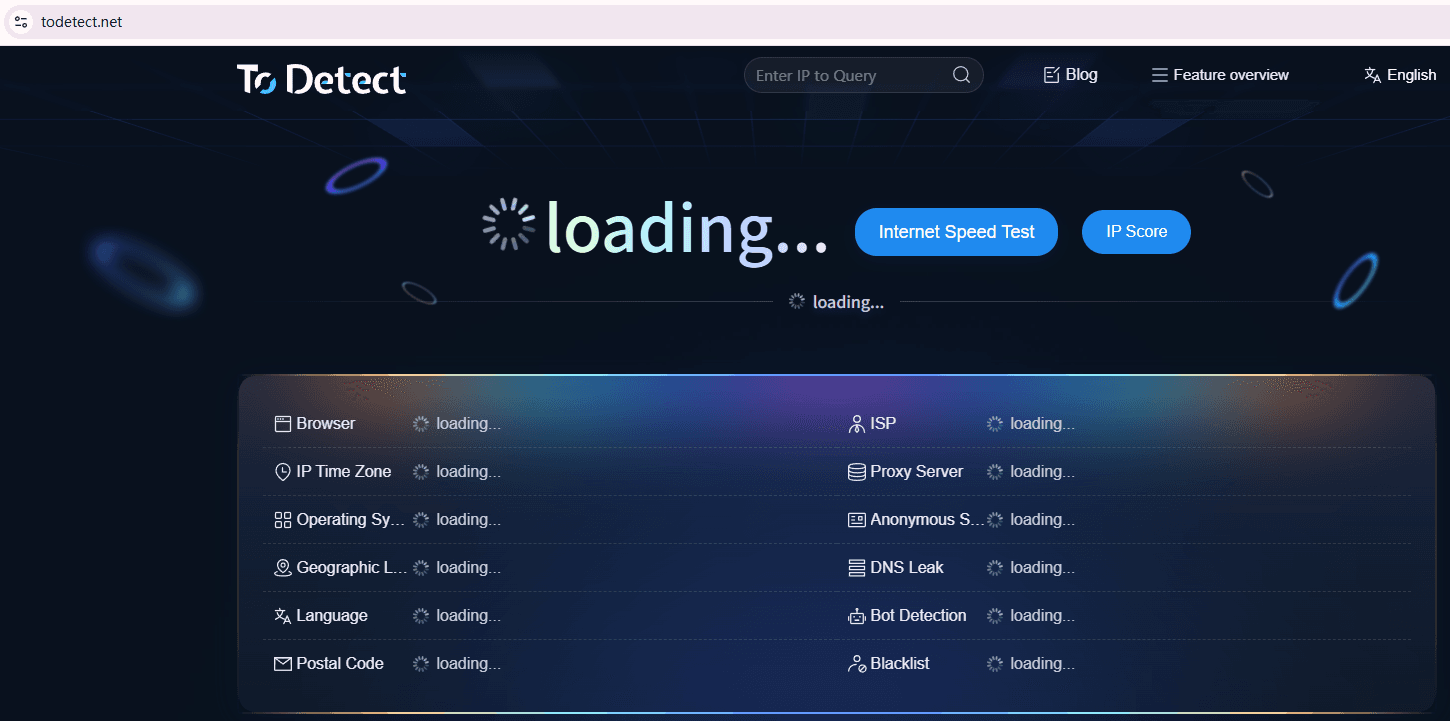
After opening ToDetect, check the following key points:
• IP location (whether it matches your account region), IP type (residential IP preferred), and whether there is a proxy flag.
• If you are operating a US account but your IP shows in Asia, it’s basically unusable.
2. IP Detection (Check Cleanliness)
Simply checking the IP is not enough—you also need to evaluate its “quality.”
Focus on whether it is flagged as a proxy IP, listed on blacklists, or belongs to a data center IP (which is easier to detect).
Recommendation: prioritize residential IPs, followed by high-quality static IPs. Avoid cheap shared proxies.
3. Multi-Dimensional Environment Detection (Advanced)
ToDetect also has a key feature: checking browser environment consistency, such as timezone, language, WebRTC, and DNS information.
If your IP is in the US but your browser language is Chinese, this kind of mismatch is a major red flag.
3. Correct Approach to TikTok Multi-Account IP Configuration (Key Points)
1. IP Isolation: Not Switching IPs, but Using “Dedicated Fixed IPs”
IP isolation is the most basic layer, yet also where many people make mistakes. Common IP solutions include:
□ Exclusive residential IP: highly recommended. Closest to real user home networks, with high stability and security, suitable for long-term account nurturing and operation.
□ Static proxy IP: relatively affordable and stable, but ensure quality—avoid shared nodes.
□ Dynamic IP: seems flexible, but frequent switching easily triggers platform risk control, not recommended for beginners.
The platform prefers to see a “stable user,” so:
• Bind each account to one IP and use it long-term without frequent changes
• Regularly use “online IP lookup” and IP detection tools to ensure the IP remains clean
2. Device or Environment Isolation: Make Each Account Look Like a Different Person
TikTok not only checks “where you’re from,” but also “what device you’re using.”
Option A: Use Real Devices (For Those with Budget)
Use multiple phones or computers, each logged into different accounts.
□ Advantage: highly realistic environment, very stable, almost no risk of abnormal detection.
□ Disadvantage: high cost, difficult management, poor scalability.
This approach is more suitable for high-quality accounts with small-scale teams.
Option B: Use Virtual Environments (Mainstream Recommendation)
Most people running account matrices use virtual environments, such as fingerprint browsers:
□ Each account can have an independent browser environment
□ Automatic isolation of cookies, cache, and login data
□ Ability to simulate different device parameters (resolution, OS, language, etc.)
□ Supports binding different IPs, ensuring one-to-one mapping between environment and IP
You can think of it as installing multiple “virtual computers” inside one machine—each account uses one.
◇ Note: Avoid creating environments in bulk using default settings, as this can lead to overly similar environments.
3. Browser Fingerprint Detection Must Pass: This Is Critical
Many people struggle with multi-account setups here without realizing the issue.
• Platforms no longer rely only on IP—they also use browser fingerprinting to detect account relationships.
• If multiple accounts share highly similar parameters, even with different IPs, they may still be identified as the same operator.
Here are some practical tips:
□ First, each account must use an independent browser environment. Do not switch accounts within the same browser.
□ Second, avoid using identical resolutions, browser versions, and language settings across all accounts. Introduce reasonable variations.
□ Finally, make it a habit to regularly use ToDetect for browser fingerprint checks and adjust environment parameters when needed.
4. TikTok Multi-Account Environment Checklist (Practical Guide)
| Check Item | Recommended Standard | Common Mistakes | Optimization Tips |
|---|---|---|---|
| IP Location | Match account target region | Mismatched regions | Use stable residential IP and verify |
| IP Type | Residential IP preferred | Shared or datacenter IP | Choose dedicated IP |
| IP Usage | One IP per account | Multiple accounts share one IP | Keep IP fixed, avoid switching |
| IP Stability | Stable long-term connection | Frequent switching | Use high-stability nodes |
| Browser Environment | Independent environment | Shared browser | Use anti-detect browser |
| Cookie Isolation | Fully isolated | Cache leftover | Ensure cookie isolation |
| Timezone | Match IP region | Mismatch timezone | Adjust manually |
| Language | Target region language | Default Chinese | Set based on region |
| Resolution | Reasonable variation | All identical | Add differences |
| Browser Fingerprint | Unique per account | Highly identical | Check regularly |
| Canvas/WebGL | With variation | Default identical | Use fingerprint tools |
| Font Info | Slight variation | All identical | Increase diversity |
| Login Behavior | Simulate real user | Bulk login | Operate in time slots |
| User Behavior | Engagement actions | Only posting | Warm up accounts |
| Environment Check | Regular checking | Never check | Check 1–2 times weekly |
5. Use ToDetect for Environment Testing (Critical Step)
Here we emphasize a very useful but often overlooked tool—ToDetect.
• It’s very simple to use: open your configured environment → visit ToDetect → check the report
• It tells you whether your IP is abnormal, whether proxy traits exist, whether fingerprints are duplicated, and whether the environment looks “human”
• It’s recommended to run a test before logging into TikTok. If the score is poor, adjust before proceeding.
Conclusion
When your IP is not clean, your environment is not isolated, and your browser fingerprints are highly similar, the platform can easily flag your accounts as linked.
It’s recommended to frequently use online IP lookup tools to verify your environment and use ToDetect for fingerprint checks to eliminate risks in advance.
If you’re preparing to build a TikTok account matrix, make sure to fix the environment first. Otherwise, even great content may get restricted before gaining traction.