



 Resources
 Feature overview

 Alani
Alani 2026-05-11 10:13
In recent years, cross-border e-commerce and overseas social media operations have become increasingly competitive, and “fingerprint browsers” have gradually evolved from niche tools into essential tools for many studios and individual sellers.
However, many overseas fingerprint browsers are genuinely expensive, often costing hundreds or even thousands per month, which creates significant pressure for small and medium-sized teams. As a result, more and more people are searching for affordable alternatives.
So, are there any domestic fingerprint browsers that are more budget-friendly while still offering solid functionality? Today, we’ll take a look at some of the most noteworthy Chinese fingerprint browsers available right now, as well as how to choose a cost-effective fingerprint browser.

1. Why Are More and More People Using Fingerprint Browsers Today?
Nowadays, many platforms determine whether accounts are associated by analyzing data such as IP addresses, browser versions, system language, screen resolution, timezone, and Canvas fingerprints.
For example, when operating cross-border stores, TikTok account matrices, or Facebook ad campaigns, highly similar account environments can easily trigger platform risk controls.
The purpose of a fingerprint browser is to create an isolated environment for each account and minimize the risk of account association.
2. Why Are Chinese Fingerprint Browsers Becoming More Popular in 2026?
Over the past two years, domestic products have improved significantly, especially in the following areas:
1. More Affordable for Small and Medium Teams
Many overseas tools charge based on the number of accounts, making them very expensive.
Domestic fingerprint browsers generally offer more flexible pricing, making them friendlier for individual sellers and small teams.
Many products even provide free trials, which is especially helpful for beginners.
2. Better Localized User Experience
Many foreign software platforms are entirely in English, have slow customer support, and follow overseas usage habits. Domestic tools, on the other hand, are designed around local user preferences, making them much easier to learn and use.
3. Features Are Becoming More Mature
Most mainstream Chinese fingerprint browsers now support:
Multi-account isolation, independent proxy configuration, automated RPA, team collaboration, Cookie management, fingerprint simulation, and cloud synchronization.
For most cross-border operation scenarios, these features are already more than sufficient.
3. Recommended Chinese Fingerprint Browser: One Worth Checking Out
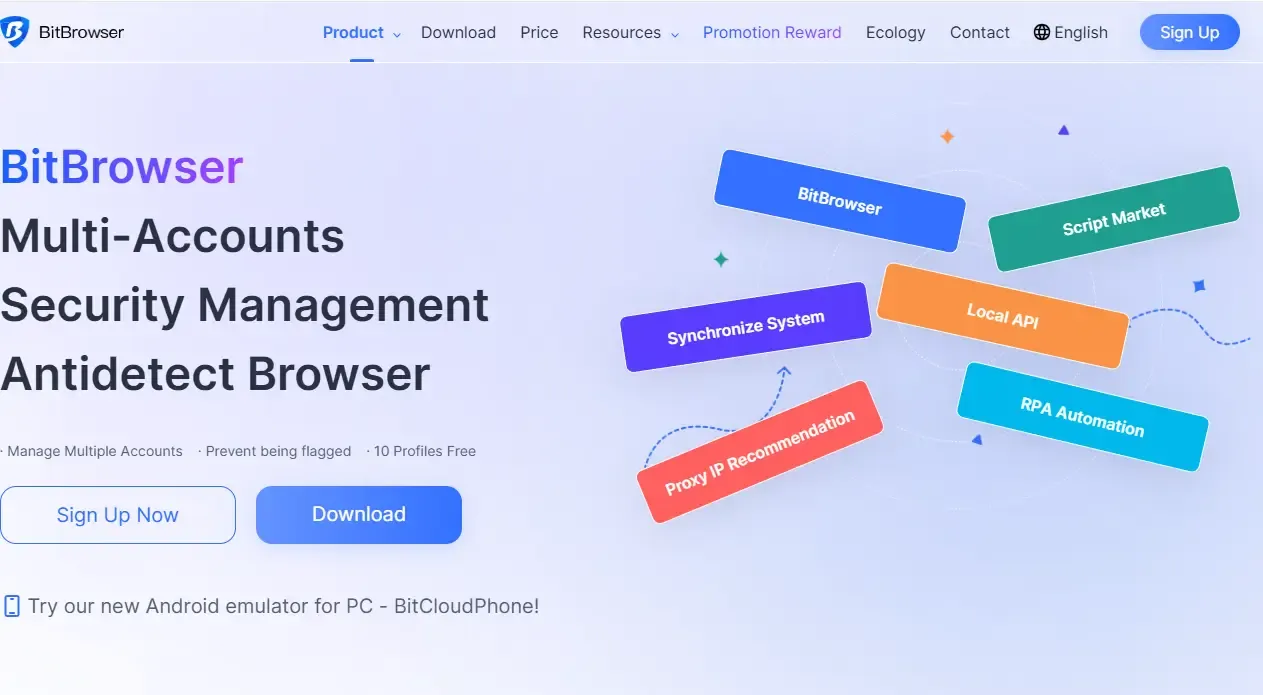
BitBrowser
When people talk about Chinese fingerprint browsers, many immediately think of “BitBrowser.”
Easy to Use and Beginner-Friendly
• For beginners, this is extremely important. Many first-time users of fingerprint browsers are worried about overly complicated dashboards.
• BitBrowser’s interface is relatively intuitive, making environment creation, proxy binding, and Cookie importing very convenient.
High Cost Performance
• If you’re looking for a “cost-effective fingerprint browser,” BitBrowser is definitely worth considering.
• Compared with some overseas products that cost hundreds of dollars per month, BitBrowser is significantly more affordable.
• It is especially suitable for TikTok matrices, Amazon reviews, Facebook advertising, and independent website operations.
Mature Team Collaboration Features
• Many studios have multiple people managing accounts. BitBrowser supports:
• Sub-account permissions, environment sharing, operation logs, and cloud synchronization, making team management much more convenient.
4. Fingerprint Browser Core Feature Selection Guide (Practical Edition)
| Feature Module | Why It Matters | Best For | Buying Advice |
|---|---|---|---|
| Browser Environment Isolation | Prevents accounts from being linked by platforms, which is the core function | Cross-border eCommerce / Multi-account Operators | Must provide real isolation instead of superficial profile switching |
| Proxy IP Compatibility | Determines whether account identity appears authentic | TikTok / Facebook / Ad Campaign Users | Choose tools supporting multiple proxy types and auto-switching |
| Independent Cookie Storage | Keeps login sessions separated between accounts | Multi-account Managers / Account Farming Users | One-click cookie import/export is highly recommended |
| Team Collaboration & Permissions | Reduces operational mistakes and account conflicts | Studios / Business Teams | Look for role-based permissions and activity logs |
| Automation Features | Improves efficiency for repetitive actions like bulk login or posting | Matrix Marketing / Bulk Operations Teams | RPA or script support can significantly improve productivity |
| Custom Fingerprint Parameters | Enhances environment authenticity and lowers detection risk | High-risk Advertising / Advanced Operators | More detailed parameters are better, but usability also matters |
| Stability & Crash Recovery | Prevents account risks caused by lost browser environments | Long-term Operators | Prioritize tools with cloud backup and recovery support |
| Multi-device Synchronization | Allows flexible operation across different devices | Remote Teams / Collaborative Workflows | Cloud sync functionality is a strong advantage |
5. How to Determine Whether a Fingerprint Browser Is Actually Good?
When choosing a fingerprint browser, focus on the following key aspects.
1. Whether the Environment Isolation Is Genuine
Some low-cost tools only provide “surface-level isolation.” A truly reliable fingerprint browser should achieve:
Cookie isolation, local cache isolation, independent fingerprint parameters, and matching IP environments. Otherwise, platforms can easily detect account associations.
2. Whether Browser Fingerprint Detection Can Pass
This is extremely important. Many users test environments with ToDetect. If there are too many abnormal detection results, it indicates poor disguise quality.
3. Proxy Compatibility
Even the best fingerprint browser is meaningless if the proxy is unstable.
It is recommended to prioritize products that support Socks5, HTTP proxies, and automatic IP status detection.
4. Stability and Customer Support
This point is often overlooked. During advertising campaigns, frequent browser crashes or environment loss can seriously affect workflow.
One major advantage of domestic products is their higher customer support communication efficiency.
6. Is It Still Necessary to Use Fingerprint Browsers in 2026?
The answer is: absolutely yes. Platform risk control systems will only become stricter over time.
Especially on TikTok, Facebook, Amazon, eBay, X, and Instagram, account association detection is becoming increasingly sensitive.
Simply changing IP addresses is no longer enough to solve the problem. Fingerprint browsers essentially help create independent device environments for accounts, which has become one of the mainstream solutions in the cross-border industry.
Final Thoughts:
Choosing a fingerprint browser is not really about choosing the most expensive or the cheapest one, but rather choosing the one that best fits your current business stage.
A cost-effective fingerprint browser is often more practical than a feature-rich but extremely expensive tool. Products like BitBrowser have improved significantly over the past few years.
If you are still hesitant, it’s better to start with a lightweight solution, validate your workflow, and gradually optimize later rather than obsessing over the “ultimate setup” from the beginning.
