


 Resources

 Feature overview

 Ganesh
 2026-11-03 10:32
Opened Ping0 to look up IP information, only to get a blank page, a loading timeout, or even a 502 error? That doesn't necessarily mean the site is gone — it can also point to a network connection issue, a DNS resolution problem, or a server that isn't responding properly.
If you just need a quick look at IP location, IP type, or the network environment, troubleshoot the access problem first, then run the lookup on another online IP detection tool.

1. Why Ping0 won't load: the likely causes
1. The site returns a 502 error
502 Bad Gateway means the gateway or an intermediary server failed to get a valid response from the upstream server. It could be a temporary server problem, or it could be the network path. The status code alone won't tell you which.
2. Blank page or endless loading
If the page never finishes loading, try incognito mode or a different browser. Browser extensions, a corrupted cache, and failed script loads can all interfere with how a page renders.
3. DNS resolution problems
When a domain won't resolve, the browser will typically say it can't reach the server. Try switching networks, or check the DNS settings on the device.
4. The page loads but the test never returns a result
Here you need to separate page access from the detection API. A page that opens doesn't guarantee the backend detection service is healthy. If the result sits on a loading state, give it a moment and retry.
2. When an IP lookup site won't load, troubleshoot in this order
When Ping0 won't open, there's no point hammering refresh. Work through these checks instead.
First, revisit the site on mobile data. If it loads fine over mobile but not on your original connection, the problem probably sits with your current network environment.
Second, test in an incognito window and temporarily disable extensions that could block page loading.
Finally, if the same problem shows up across multiple networks and multiple browsers, the odds of a service-side fault go up. Use another tool in the meantime rather than waiting on the page to come back.
3. Alternatives for IP lookup: four online IP detection sites compared
Different IP detection sites emphasize different things. Before picking an alternative, get clear on what you actually need to check.
1. ToDetect: best for a full environment check
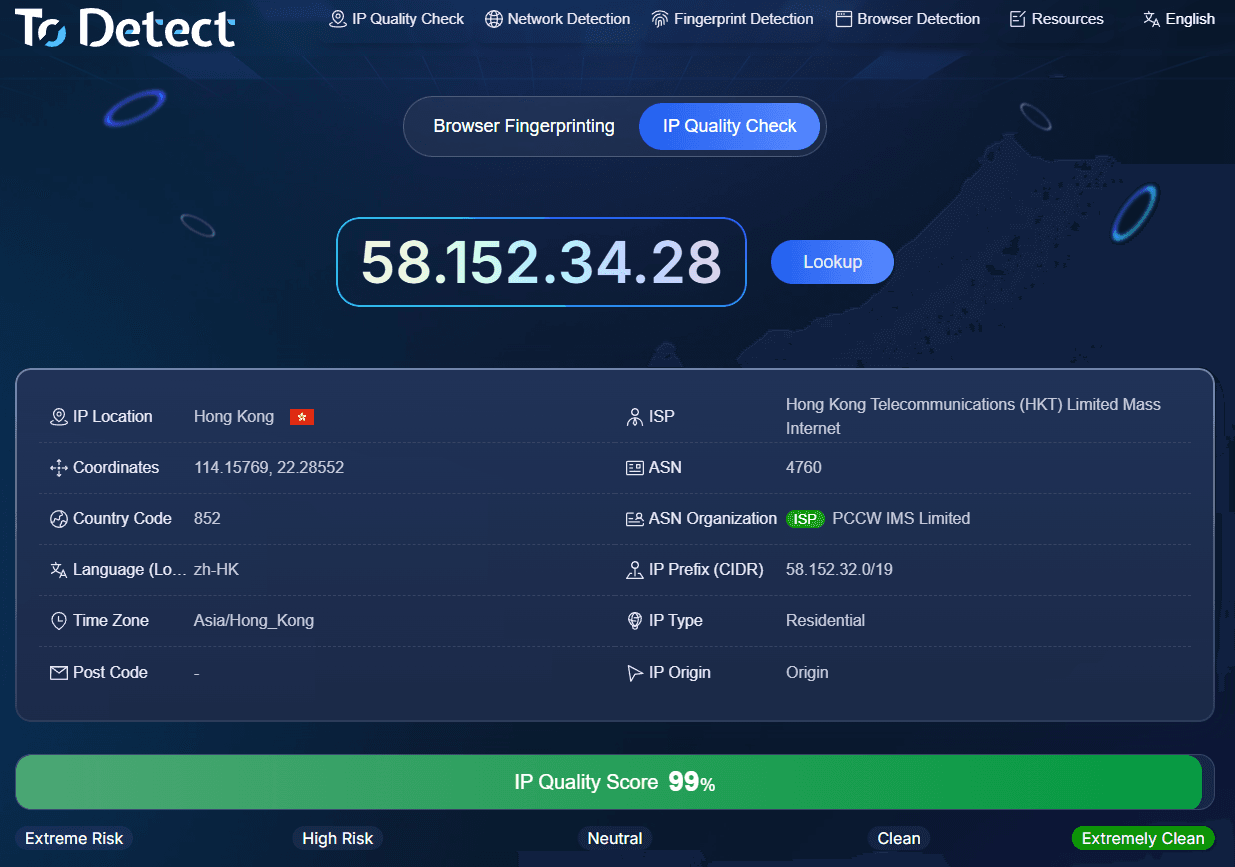
ToDetect covers IP information lookup, DNS leak testing, WebRTC testing, and browser fingerprint detection.
If you want more than IP location — DNS resolution details, browser timezone, language, device characteristics — you can review several checks on one platform.
For anyone who needs an overall picture of both the network and the browser environment, ToDetect is worth a look.
2. ipinfo.io: best for IP ownership details
ipinfo.io focuses on IP geolocation, ASN, ISP, and the organization the network belongs to.
If you already have an IP address and want to know which network organization it falls under, this kind of lookup is the convenient option.
3. ip.sb: best for a quick public IP check
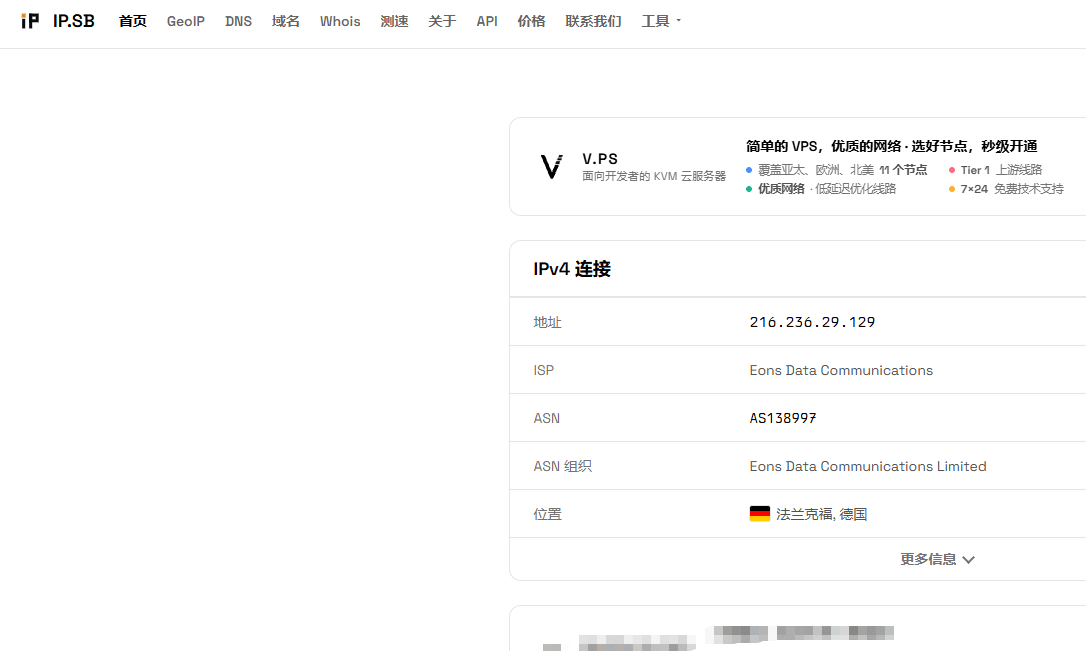
ip.sb is clean and minimal, good for confirming your current exit IP quickly and for checking IPv4 and IPv6 details.
If all you want to know is whether your public IP changed after switching networks, you don't need a feature-heavy platform.
4. BrowserLeaks: best for browser information
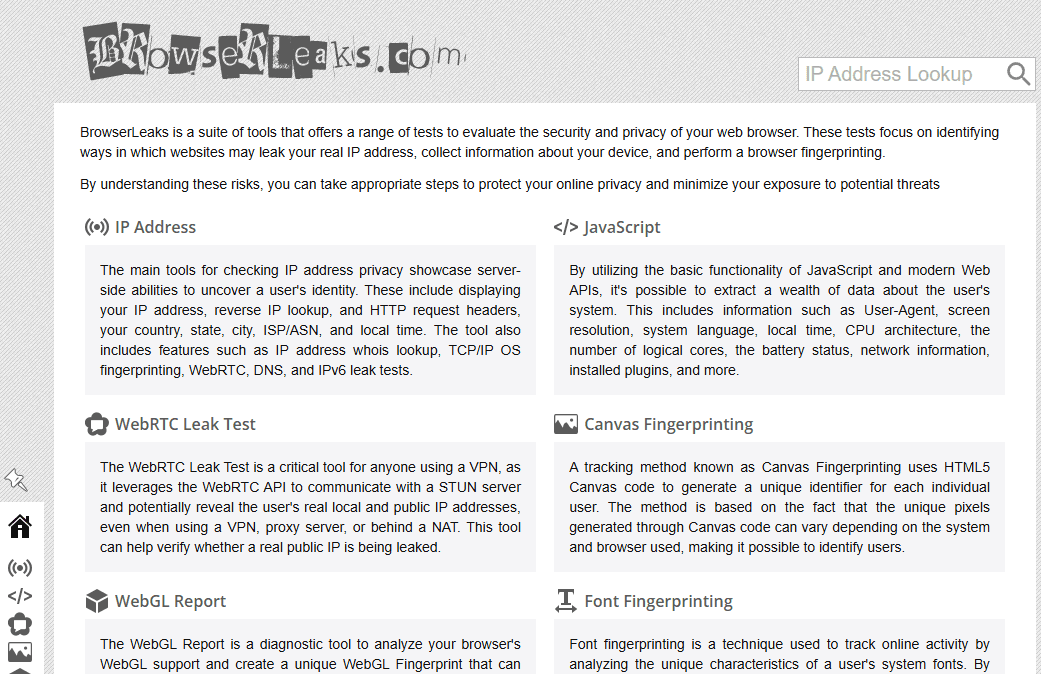
BrowserLeaks offers a wide range of browser tests: WebRTC, Canvas, WebGL, fonts, and more.
It suits people who want to inspect browser technical details item by item, though some results require a bit of background knowledge to interpret.
These four tools are not interchangeable. For public IP only, reach for ip.sb; for IP ownership details, ipinfo.io; if you need to dig into DNS and the browser environment, go with ToDetect or BrowserLeaks.
4. Online IP results disagree — which one do you trust?
Check the same IP across different sites and you may see conflicting location, ISP, or IP type results. That doesn't automatically mean a test is wrong.
IP detection sites draw on different data sources, refresh cycles, and classification rules. When an IP's network ownership changes, for instance, databases may take a while to catch up.
It's also worth checking IPv4 and IPv6 separately. Some networks support both, and different sites may reach you over different connection types.
DNS results deserve the same nuance. The DNS server's location and the public IP's location don't have to match, and a mismatch on its own doesn't prove anything is wrong with the network.
When results diverge, first confirm every tool is testing the same IP, then compare ASN and network organization details before drawing conclusions.
5. Online IP detection tools: common questions
Ping0 won't load — has it shut down?
You can't conclude a site is discontinued just because it failed to load. A white screen, a 502, or a connection timeout may all be temporary access problems. Go by official announcements.
Ping0 shows a 502 — do I need to change settings on my computer?
Not necessarily. Try a different network and browser first. If every other site works and only Ping0 misbehaves, wait a bit and retry.
Is there an online IP detection tool that can replace Ping0 directly?
It depends on what you need. For IP ownership, ASN, or exit IP information, use ipinfo.io or ip.sb. If you also need DNS, WebRTC, and browser fingerprint data, use ToDetect.
Can online IP detection expose personal information?
When you visit a detection site, the server can normally see information from the request, including your public IP. Handling practices vary between sites, so read the privacy policy first and avoid submitting personal details you don't need to.
Ping0 being down shouldn't hold up your IP lookup
When Ping0 won't open, first work out whether the page itself is unreachable or the detection function isn't responding. If it isn't coming back soon, switch to another online IP detection site based on what you need.
For a simple public IP check, a lightweight tool is enough. If you need IP, DNS, and browser information together, run a combined check through ToDetect.
Tools differ in scope and data sources. Cross-check anything important rather than relying on a single result.
Browser Fingerprint Detection Tool
Efficiently solve multi-account management, environment isolation, and account security