



 Resources
 Feature overview

 Ganesh
 2026-06-16 11:49
Many people use static residential IPs and initially think they are “stable, clean, and suitable for business,” but in real use they often encounter issues such as disconnections, rising latency, frequent login verifications, and even account restrictions.
In fact, the root cause is often not your device or software, but the quality of the IP itself. If you use the right tools to run an online IP check, many hidden problems will be immediately exposed.
Today we will break down the real reasons why static residential IPs are unstable and explain how to quickly determine whether an IP is suitable for long-term use through static IP online checks.

1. Where does static residential IP instability come from?
Many people assume static IP = permanently stable, but this is a misconception.
Common real-world issues include ISP routing fluctuations (especially cross-border links), shared or reallocated IPs, poor ASN quality flagged by platforms as risky, and severe routing detours causing high latency.
Even worse, these problems cannot be seen with the naked eye. You must rely on tools such as online IP checks and route analysis to identify them.
2. Why you must perform an IP online check ?
Many users’ first instinct when facing issues is to “change IP,” but the correct workflow is to test first. Through an IP online check, you can quickly obtain:
Whether the IP geolocation is accurate, whether the ISP is truly residential, whether it shows proxy/data center characteristics, whether it is listed in blacklist databases, and whether it carries risk tags.
Especially for overseas business, the difference in account survival rate between a clean IP and a problematic IP is significant.
3. How to use static IP online check + IP detection?
Many modern tools now support one-stop detection. By using a static IP online check function, you can simply enter the IP and get a full report.
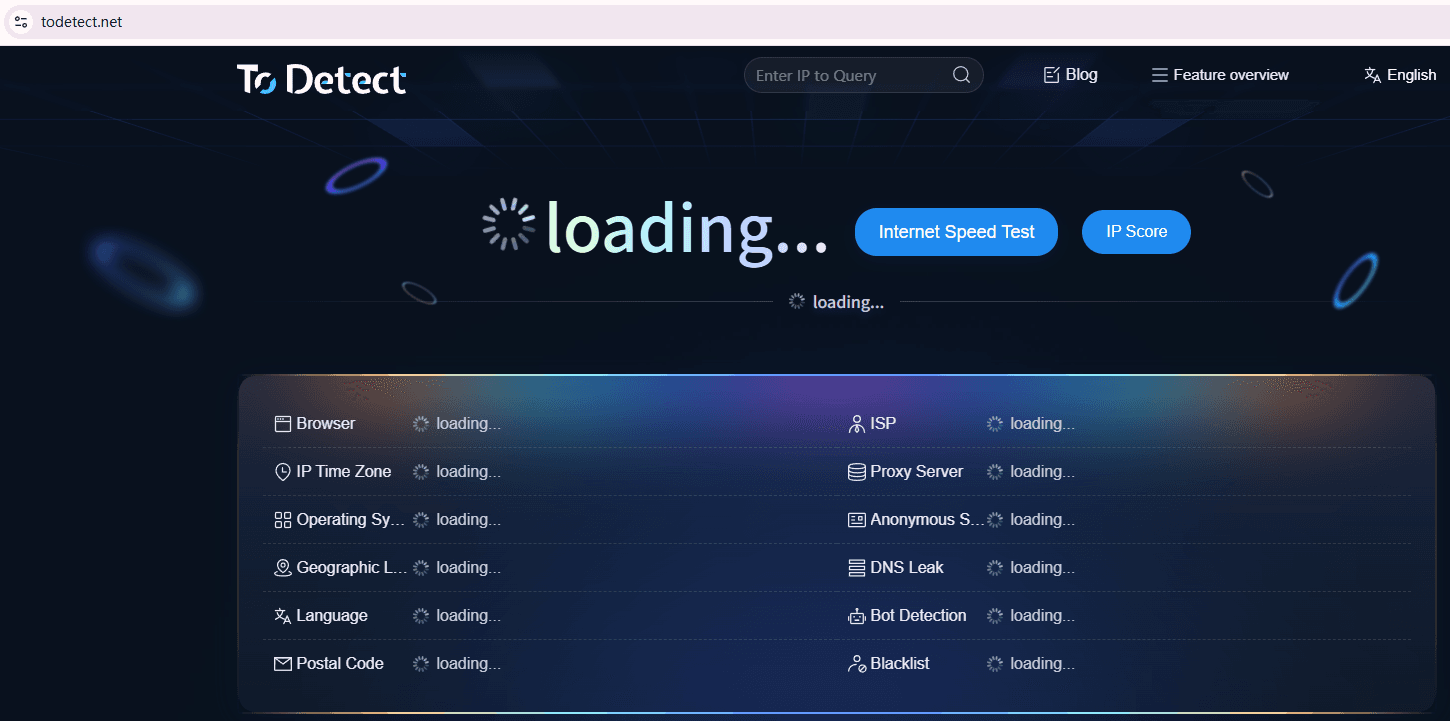
A recommended tool is ToDetect, which provides comprehensive IP quality analysis. The basic process is simple:
1. Open the IP detection tool page
2. Enter your current static IP
3. Run the IP online detection
4. Review the report (latency, risk, location, ASN, etc.). With this process, you can quickly determine whether the IP is suitable for long-term use.
4. Key IP online check indicators (quick health assessment table)
5. Key factors affecting IP quality (often ignored)
When performing IP quality checks, many people only look at basic connectivity. However, the real factors that determine long-term stability are:
1. Latency and packet loss
Higher latency indicates routing detours or congestion; packet loss leads to instability, lag, and disconnections.
2. ASN and ISP type
ASN defines the IP’s “identity” (residential, datacenter, or mobile), directly affecting platform trust.
3. Blacklists and risk scores
If an IP was used for spam, proxy abuse, or violations, it may be blacklisted and heavily monitored.
4. Geolocation consistency
If IP location does not match routing exit points, it may be flagged as proxy or abnormal traffic.
5. DNS and routing path
Abnormal DNS resolution or excessive routing hops can slow access or cause request failures.
6. Why “normal-looking” IPs can still be problematic
Many users assume “if it can open a webpage, the IP is fine.” In reality: IP reachable ≠ high quality; no disconnection ≠ no ban risk; login success ≠ no risk control.
For TikTok, Facebook ads, Google SEO, or cross-border e-commerce operations, a low-quality static IP can lead to frequent verification, ad account restrictions, abnormal login environments, and security reviews.
7. How to choose more stable static residential IPs
1. Run IP quality checks before use
Do not use an IP immediately after obtaining it. First perform a full IP quality check to assess risk level and score.
2. Prefer real residential ASN over mixed or datacenter routes
Many so-called residential IPs are actually disguised datacenter routes. True residential ASN is more trusted by platforms.
3. Use IP lookup to confirm location and ISP consistency
Check whether IP geolocation is accurate and avoid cases where it shows one country but routes through another region.
4. Focus on long-term latency stability, not single test results
Stability depends on long-term latency consistency, not a single speed test.
5. Regular IP monitoring to prevent later contamination
IPs are not “safe forever.” Continuous IP monitoring helps detect changes in risk status over time.
8. Correct long-term IP usage strategy (many do it wrong)
◇ Wrong approach: “Change IP → use → problem occurs → change again”
◇ Correct approach: “IP lookup → IP quality check → select stable IP → long-term maintenance”
◇ Tools like ToDetect can filter out up to 80% of problematic IPs in advance.
Overall conclusion
Many issues come from focusing only on whether the internet works, while ignoring ASN quality, routing stability, and blacklist status. By the time problems appear, the IP is already unsuitable for long-term use.
Instead of frequently changing IPs, it is better to use ToDetect for systematic IP online checks + IP detection + static IP checks + IP quality analysis to identify underlying issues early.
If you are involved in cross-border business or account operations, it is recommended to develop the habit of running a full inspection before using any static IP.
