



 Resources
 Feature overview

 Ganesh
 2026-09-29 10:40
When checking an IP, if the page directly shows "Residential," can you be sure it's a real residential IP? Actually, it's not that simple.
Some IP detection pages may label an address as Residential, but when you continue to check ISP, ASN, Organization, and other information, the network ownership may not fully match that of an ordinary home broadband connection. Different databases also have different data sources and update times, so it's not uncommon for the same IP to receive different judgments.
Therefore, when doing residential IP detection, instead of focusing on a single "Residential" label, it's better to look at several key fields together. Only when IP type, ISP, ASN, network organization, geographic location, and risk information correspond with each other can the judgment be more reliable.

1. Residential IP Detection: What to Look At?
A residential IP is a public IP address assigned by an Internet service provider for home network use. When actually detecting it, the focus is not on what the IP address itself looks like, but on the network ownership behind this IP.
The most common misconception here is treating "residential IP" and "high-quality IP" as the same concept.
Residential attribute mainly answers what type of network this IP belongs to, while IP quality involves other factors such as risk score, history, and network stability.
2. First Check IP Type, Then ISP and ASN
If the detection target is a residential network, then results like Residential, ISP, or Broadband are usually more in line with expectations. However, you still can't rely on just one field here.
What's truly valuable for reference is whether the following information matches up:
| Detection Item | Normal Situation | Situation Requiring Further Check |
|---|---|---|
| IP Type | Residential, ISP, Broadband, etc. | Datacenter, Hosting, etc. |
| ISP | Common local Internet service provider | Cloud service, server hosting, etc. |
| ASN | Can correspond to ISP | ASN ownership clearly inconsistent with ISP |
| Organization | Basically consistent with ISP and ASN | Shows data center, cloud computing, or hosting organization |
| Geographic Location | Country and region basically match network ownership | Country or region shows obvious conflict |
| Multi-platform Results | Most database judgments are relatively close | Only one platform shows Residential |
| Risk Information | No obvious abnormal records | Multiple databases show relatively high risk |
This table can serve as a quick checklist for online residential IP detection. If only one field shows a discrepancy, you don't need to draw a conclusion immediately. First see whether other fields can corroborate each other; this is usually more accurate than judging a single item alone.
3. Why Are ISP and ASN Worth Focusing On?
ISP can be understood as the operator or service provider that provides network connectivity. For a residential IP, if the ISP is a common local home broadband provider, it usually fits the characteristics of a residential network better than showing a cloud computing or server hosting organization.
ASN represents the autonomous system to which the IP belongs. Simply put, it can be understood as an identifier in the network ownership system. When checking a residential IP, if ISP, ASN, and Organization correspond with each other, the judgment will be more complete.
If the following situation occurs, it's worth continuing to investigate:
• IP Type: Residential
• ISP: A home broadband name
• ASN: A cloud computing organization
• Organization: Data center
Of course, databases may also have unsynchronized updates, so a conflict in one detection does not necessarily mean the IP definitely belongs to a certain type of network. A more reliable approach is to switch to another detection source and confirm again.
4. Is There a Problem If Country and City Don't Match?
Not necessarily. Many people place great importance on city-level location when doing online IP address lookups. In fact, IP geolocation databases themselves have certain errors.
The same IP may show different cities in different GeoIP databases, or even neighboring areas. City-level location is not the only basis for judging a residential IP.
In comparison, whether country, region, ISP, and ASN can correspond with each other is usually more worth paying attention to. What really needs attention is more obvious conflicts, such as:
• Country clearly inconsistent with ISP service area;
• ISP and ASN ownership differ greatly;
• Organization shows as a data center organization;
If the network types from multiple databases are completely different, in this case, doing another IP quality check would be more appropriate.
5. IP Risk Detection Score Should Not Be Missed
After confirming whether the IP is a residential network, you can also continue to check the IP risk value.
• A residential IP does not necessarily mean it has lower risk.
A real home broadband IP may also have a higher risk score due to past usage records, database flags, or other historical factors. Therefore, residential attribute and IP quality need to be viewed separately.
• Different detection platforms may use different data and calculation methods.
For example, one platform showing low risk and another showing medium risk does not necessarily mean one of the results is wrong. You can focus on whether multiple detection sources have obvious common anomalies.
• If only a single platform shows an anomaly, you can investigate further.
If multiple databases show relatively high risk, or other network attributes such as Hosting or Proxy appear at the same time, these pieces of information should be considered together.
So residential IP detection can be simply understood as two questions: What kind of network is it? And: What is the current status of this IP? The former mainly looks at IP type, ISP, ASN, and Organization, while the latter requires combining risk information, history, and other content.
6. With Online IP Detection Tools, Don't Look at Just One Result
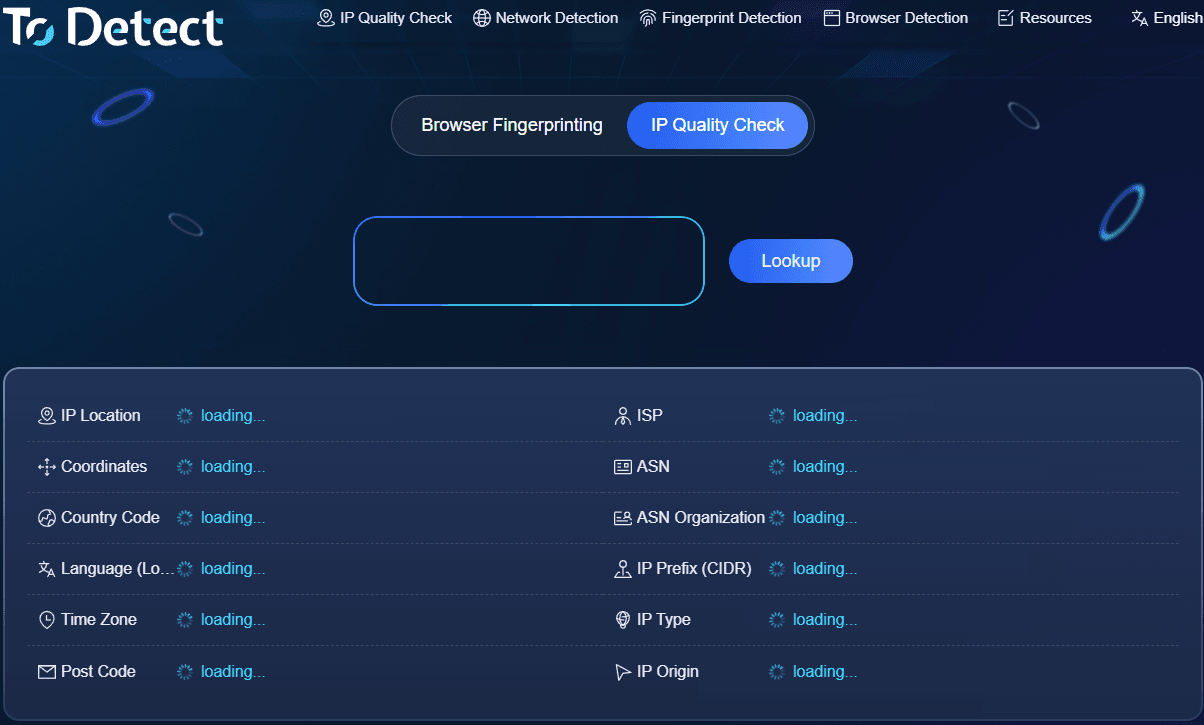
If you open a different website to query each field separately, it is indeed quite troublesome. Online IP detection tools like ToDetect allow you to view basic data such as IP address, country/region, ISP, ASN, IP type, and risk information in one place.
When checking, you can start with the most basic information: IP address → IP type → ISP → ASN → Organization → Geographic location → Risk information. If these data basically correspond, then continue to look at network environment information such as DNS and WebRTC.
DNS and WebRTC are mainly used to observe whether related information in the current network environment is consistent. They are not exactly the same issue as judging residential attributes.
Therefore, ToDetect is more suitable for completing the first round of overall inspection. If a certain field is found to be unusual, then continue to investigate that field specifically. This is more meaningful than just staring at a single "Residential" result.
7. Real Residential and High-Quality IP Are Two Different Things
This is a point that is very easy to confuse when doing IP quality detection. An IP can be a real residential network but have relatively high latency, unstable connection, or a relatively high risk score.
Similarly, a network with good connection speed does not necessarily mean it belongs to a residential network. So when judging an IP, you can break the information into three parts:
• Network attributes: Whether Residential, ISP, ASN, and Organization are reasonable.
• Network performance: Whether latency, connection speed, and stability meet actual needs.
• IP status: Whether risk score, history, and judgments from different databases show obvious anomalies.
If you just want to confirm "whether this IP is a real residential IP," focus on the first part; if you also need to understand the overall quality of the IP, then consider the risk and network performance together as well.
8. A Simple Judgment Method
First check IP type, then look at ISP and ASN. If the three can correspond, then confirm whether Organization and country/region have obvious conflicts. After that, check the results from several different detection sources, and finally look at the risk score.
A relatively ideal detection result is usually:
• IP type belongs to Residential or ISP and other residential/carrier network types;
• ISP is a normal Internet service provider;
• ASN can correspond to ISP;
• Organization has no obvious data center or cloud computing attributes;
• Country, region, and network ownership are basically consistent;
• Results from multiple detection platforms have no obvious conflicts;
• Risk information does not continuously show obvious anomalies.
If only city-level location shows some differences, there is no need to overinterpret. If there are obvious conflicts among IP type, ISP, ASN, and Organization, it is recommended to switch to another detection source and query again.
Summary
To judge whether an IP is a real residential IP, the least recommended method is to look only at a single "Residential" label. A more practical approach is to observe IP type, ISP, ASN, Organization, geographic location, and risk information together.
ToDetect can serve as the first step for online IP detection, used to quickly check basic information such as IP ownership, network type, ISP, ASN, and risk. When data is inconsistent, combine it with other public databases for cross-checking.
Simply put, residential IP detection looks at network ownership, while IP quality detection looks at overall status. Separating these two concepts and judging based on multiple fields is more reliable than looking at a single detection result alone.
