



 Resources
 Feature overview
 Ganesh
 2026-09-14 10:28
Bought a residential IP, but don't know if it's actually clean? After connecting to the proxy, even though the region shows as normal, do you still frequently encounter captchas, restrictions, or even connection errors when visiting websites?
Especially in scenarios such as cross-border e-commerce, overseas social media, and data scraping, IP quality directly impacts actual performance. Therefore, before formally using a new IP, running a complete check using an IP detection tool has become a practical first step.
Next, let's look into what data IP detection tools should actually focus on, what the difference is between residential IP detection and IP risk detection, and how to evaluate proxy IP quality properly.

1. What Do IP Detection Tools Mainly Test?
When many people search for "free IP detection tools," they aren't just looking to find out their IP address; they want to determine whether the IP is actually good or bad.
Comprehensive online IP lookup tools nowadays usually analyze the current IP across multiple dimensions, such as IP address, country and city, ISP (Internet Service Provider), ASN, IP type, risk profile, and network environment.
Therefore, when checking a proxy IP, don't just focus on the country and city. IP type, ASN, ISP, and risk factors are often far more worthy of your attention.
2. What Information Does IP Risk Detection Focus On?
When users search for "IP risk query," "IP risk score lookup," or "IP purity test," what they really want to know is whether this IP has been heavily abused in the past and whether the current risk level is high.
IP risk detection typically makes comprehensive assessments through multiple data dimensions. Since scoring algorithms vary across different detection platforms, the risk score should not be treated as an absolute result, but rather as a reference metric.
For example, a low-risk IP doesn't guarantee that captchas will never trigger on any website; similarly, a slightly higher risk score doesn't mean the IP is completely unusable. Target site security policies, user account behavior, browser fingerprint environment, and request frequency all influence the final outcome.
So when checking IP risk scores, it's recommended to focus on a few key areas: whether the risk level is abnormally high, whether network attributes match reality, whether the ASN is unusual, and whether the same IP shows drastic changes across multiple tests.
3. Proxy IP Testing Shouldn't Just Check "Can It Connect?"
Many people test proxy IPs by simply opening a webpage—if it loads, they assume the proxy works fine. In reality, that is only the most basic connectivity test.
A genuinely thorough proxy IP check should confirm that the public IP actually changed after connecting, that the IP geolocation is accurate, that the ISP matches expectations, and that the exit network displays no obvious anomalies.
For instance, if you purchased a Japanese residential IP but detection shows another country after connecting—or if the ASN belongs to a completely different service provider—you should further inspect proxy configurations or the IP resource itself.
If you regularly use different proxies, forming a habit of running an online IP check right after connecting can help identify many issues in advance.
4. How to Use ToDetect for Free IP Detection?
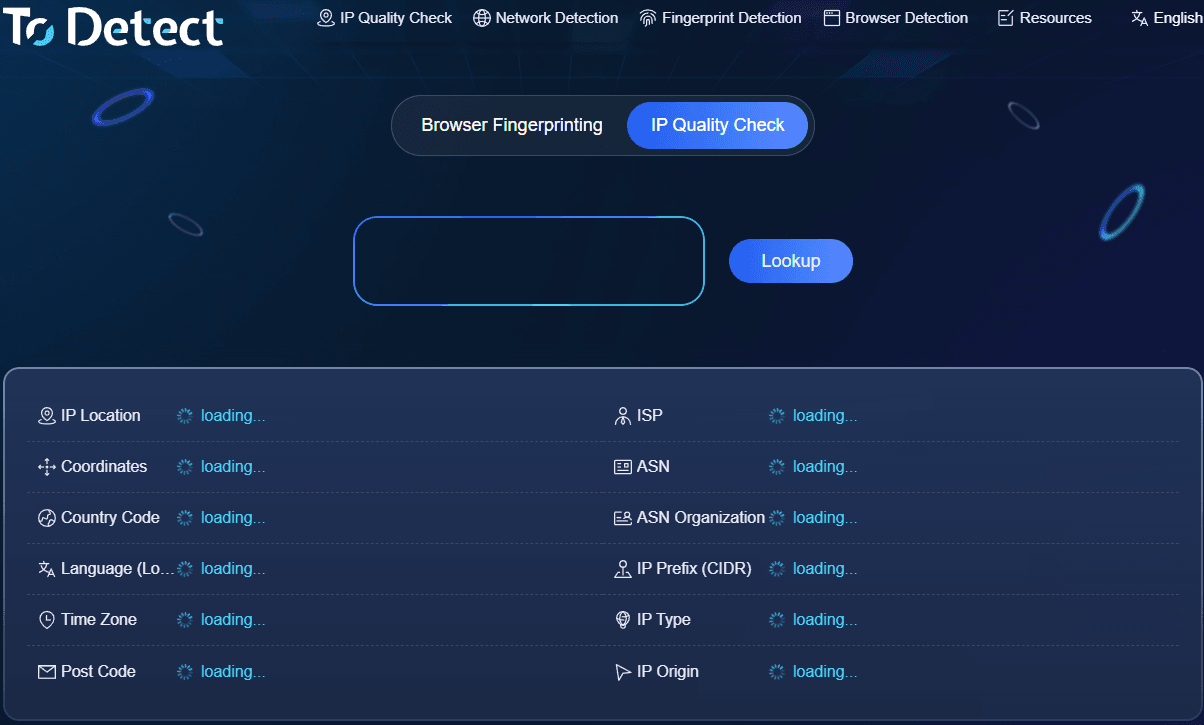
If you don't want to install extra software, you can perform IP detection directly using online tools. Taking ToDetect as an example, after entering the detection page, you can immediately view your current public IP and related network information.
For general users, there is no need to study dozens of parameters all at once—focusing on a few core metrics is enough.
First, confirm whether the displayed IP matches the IP you intend to use. Second, check whether the country, city, ISP, and ASN meet expectations. Then, inspect the IP network type and relevant risk information. If you are using a proxy IP, you can also compare the results before and after connecting to verify whether the proxy has actually taken effect.
This method is well-suited for daily free IP detection, residential IP checks, IP address lookups, proxy IP testing, and IP risk queries. Especially when switching IPs, purchasing new residential IPs, or encountering access anomalies, checking first is usually much more efficient than repeatedly rotating IPs blindly.
5. Does a High IP Risk Score Mean It Cannot Be Used?
Not necessarily. An IP risk score is merely one reference metric for evaluating a network environment. In practical usage, an IP's stability also depends on the target website, access frequency, browser environment, and specific operational behavior.
For example, the same IP might work perfectly fine on standard websites, yet trigger frequent verification challenges on strict anti-fraud platforms. This does not automatically mean the IP is totally useless; it simply indicates a conflict between the current network environment and the target website's risk rules.
Therefore, after performing an IP risk query, the more logical approach is to evaluate it alongside IP type, ASN, ISP, geolocation, and actual access performance.
If multiple indicators flag anomalies simultaneously—such as a high risk level, an IP type mismatch with what you purchased, or significant geolocation discrepancies—then the IP deserves closer inspection.
6. Commonly Overlooked Issues When Testing IPs
When checking IPs, the biggest misconception for many is looking only at the label "Residential."
In reality, a thorough evaluation of IP quality should include geolocation, ISP, ASN, network type, risk level, and real-world usage performance. In particular, IP purity testing should never rely entirely on a single platform or a single number.
Additionally, different IP databases update at different schedules, so it is not uncommon for the same IP to occasionally show slight variations in country, city, or type across different lookup tools. If you notice major discrepancies, recheck after a short interval and evaluate alongside other network parameters.
7. Frequently Asked Questions about IP Detection
1. What information can free IP detection tools check?
Generally, they can query the IP address, country/region, ISP, ASN, network type, and IP risk level. Some tools also support residential IP detection and proxy IP checking.
2. Does a high IP risk score mean the IP is definitely unusable?
Not necessarily. The IP risk score serves as a reference and should be evaluated together with IP type, geolocation, ISP provider, and actual connection behavior.
3. How can I determine if an IP is a residential IP?
You can use online IP detection tools like ToDetect to review the IP type, ISP, and ASN information. If the detection results indicate a residential network, combining that with the risk score will give you a more accurate judgment.
In Summary
If you have just switched to a new proxy IP or notice frequent captchas and access issues on your current network, running a full check through an IP detection tool is a great first step.
Utilizing ToDetect for online IP detection, residential IP checks, proxy IP testing, and IP risk queries allows you to quickly understand your IP's baseline status, making it easier to pinpoint whether issues stem from the IP itself or other network environment factors.
Rather than waiting for issues to occur and repeatedly changing addresses, getting a clear picture of IP attributes and risk levels in advance saves time and makes troubleshooting far more effective.
Browser Fingerprint Detection Tool
Efficiently solve multi-account management, environment isolation, and account security