



 Resources
 Feature overview

 Ganesh
 2026-08-21 10:53
When checking an IP, many people's first step is usually to open an IP lookup website to see which country and city the current IP belongs to. Once they see that "the address looks fine," they assume the IP is ready for normal use.
In reality, it's not that simple. Determining whether an IP is usable and assessing its quality requires looking beyond basic location data. You also need to check the IP type, ISP, ASN, proxy attributes, risk score, and network environments like DNS and WebRTC.
Next, we will break down which IP lookup websites are most reliable, how to properly test an IP, and why different tools show different results—helping you choose the right IP testing tool for your needs.

1. What does IP testing actually check?
IP testing uses professional online tools to analyze a current public IP address or a specified target IP address.
Basic detection typically covers the IP address, country/region, city, ISP, and ASN. A deeper check examines the IP type, proxy attributes, risk scores, blacklist records, and network reputation.
For instance, an IP showing "United States" doesn't necessarily mean it's a US residential IP. Similarly, showing a specific city doesn't guarantee the physical network location is 100% accurate. Some IPs may load websites normally, but they could have a history of abuse or carry a high risk score.
Therefore, to evaluate whether an IP is good, it is best to analyze multiple indicators together rather than relying on a single metric.
2. Which IP lookup websites are we testing this time?
There are numerous IP detection tools available online, each with a different focus. Some specialize in basic IP lookups, others excel at IP database information, while some focus heavily on proxy detection and risk analysis.
From a practical usage standpoint, here are key categories of tools worth reviewing:
| IP Lookup Website | Key Features | Basic IP Info | IP Quality Test | Proxy Detection | Risk Analysis |
|---|---|---|---|---|---|
| ToDetect | Comprehensive IP detection, network environment analysis | ★★★★★ | ★★★★★ | ★★★★★ | ★★★★★ |
| IPinfo | IP database, ASN details | ★★★★★ | ★★★ | ★★☆ | ★★★ |
| IP2Location | IP geolocation, ISP & network data | ★★★★★ | ★★★ | ★★☆ | ★★★ |
| Scamalytics | IP reputation, fraud risk analysis | ★★★★ | ★★★★★ | ★★★★★ | ★★★★★ |
| WhatIsMyIP | Basic IP lookup | ★★★★ | ★★ | ★★ | ★★ |
As you can see from this table, different tools serve distinct purposes.
If you simply want to know "What is my current IP address?", a standard IP lookup tool is enough. However, if you are assessing the usability of a proxy IP, checking basic location is not sufficient—you must pay attention to IP type, risk factors, proxy flags, and overall network environment.
3. ToDetect: Best for complete IP testing
If your goal is to evaluate whether an IP is truly ready for use, ToDetect is a top recommendation.
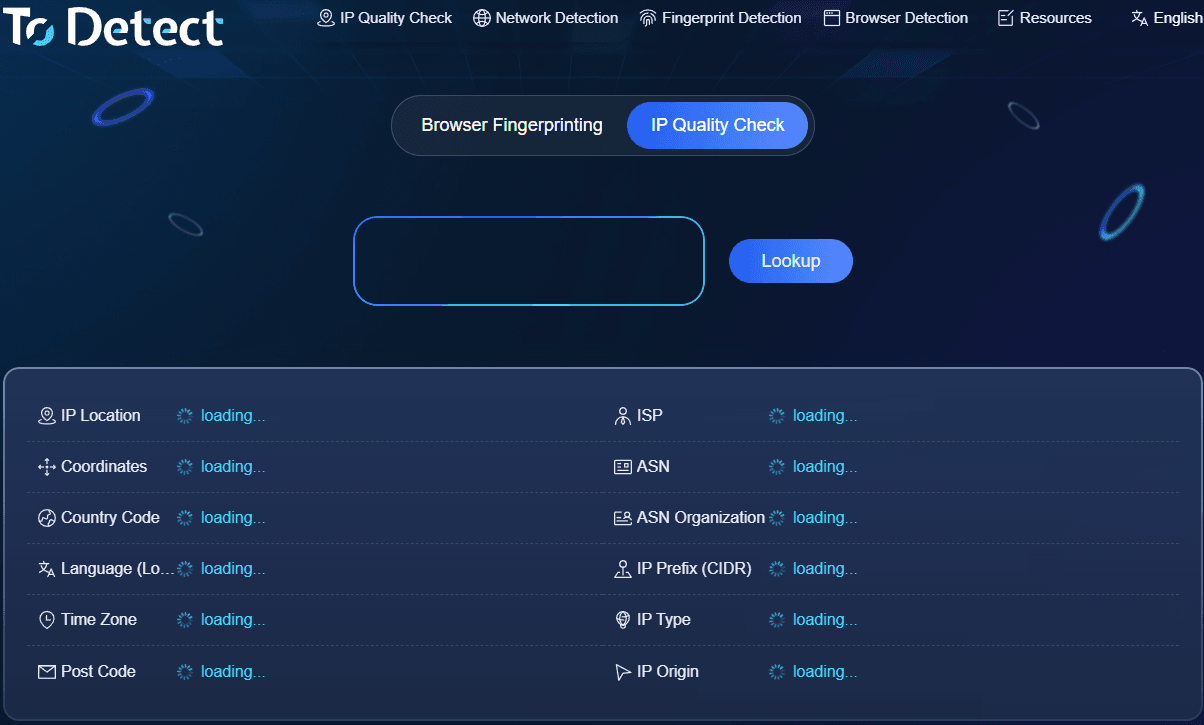
ToDetect provides a broad set of diagnostic dimensions beyond basic address and geolocation, allowing you to inspect IP quality, network type, proxy detection, and risk status. It also includes built-in checks for DNS leaks and WebRTC leaks.
Its main advantage is eliminating the need to visit multiple sites for different checks. When testing a new proxy IP, you can review its network type, proxy status, risk score, and leak results all in one place.
ToDetect also provides an IP quality score for quick reference, though it's always recommended to review specific metric details alongside the total score.
4. IPinfo: Great for basic IP datasets
IPinfo is another widely used tool. If you need to identify an IP's country, region, ISP, and ASN data, IPinfo offers clean and reliable data.
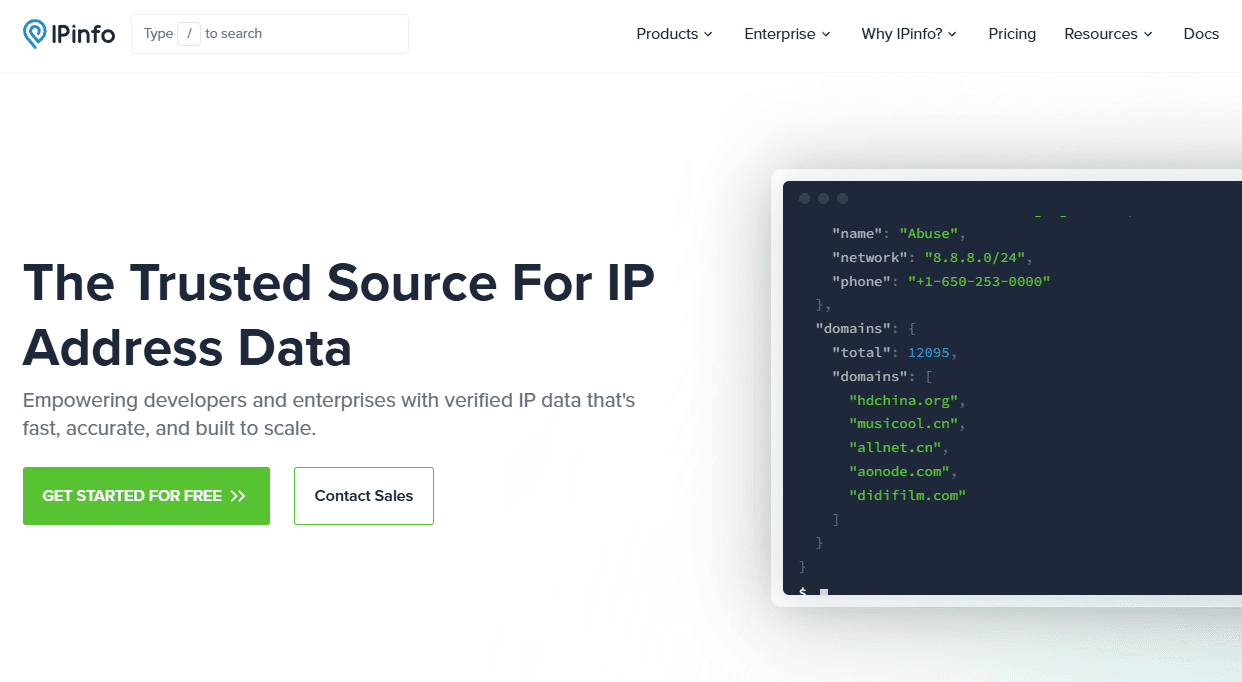
It operates more like a professional IP information database rather than a quality evaluator. For developers, technicians, or anyone verifying IP ownership records, its dataset is highly valuable.
In short: use IPinfo to verify ASN and location data, but pair it with specialized risk tools if you need a comprehensive assessment of IP quality.
5. IP2Location: Comprehensive location and network data
IP2Location is another well-established database tool known for detailed IP geolocation and network info.
Using tools like this helps verify whether an IP's advertised country, state, city, and ISP align with actual database findings.
Similar to IPinfo, IP2Location focuses primarily on geolocation data. To evaluate proxy flags or fraud risk, you will want to complement it with dedicated risk analysis tools.
6. Scamalytics: Focused on IP reputation and risk
If your main concern is security risk rather than location, Scamalytics is a prime choice.
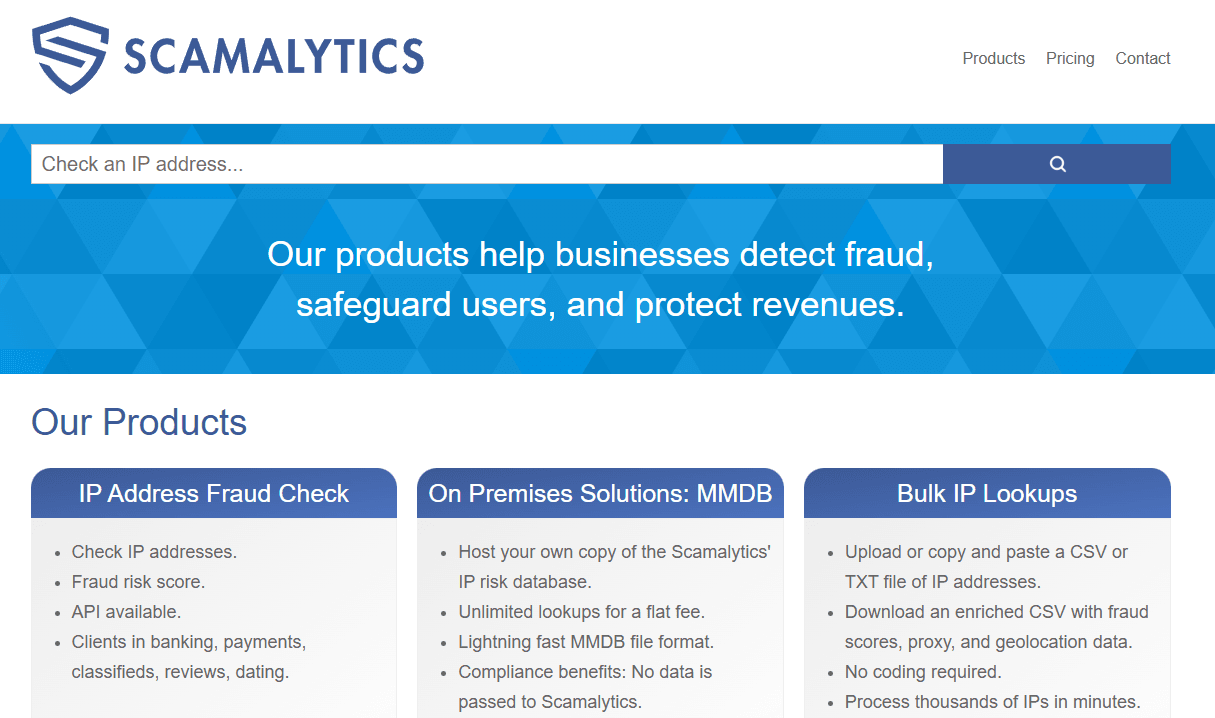
It focuses on fraud risk scores, IP reputation, and proxy/VPN identification. This makes it particularly effective for filtering proxy pools.
Keep in mind that risk scores vary across platforms due to differing algorithms and data sources. Cross-referencing results across multiple security tools remains the safest practice.
7. WhatIsMyIP: Sufficient for basic IP lookups
WhatIsMyIP is a classic basic lookup tool. If you simply need to check your current public IP address or verify your general location, it gets the job done quickly.
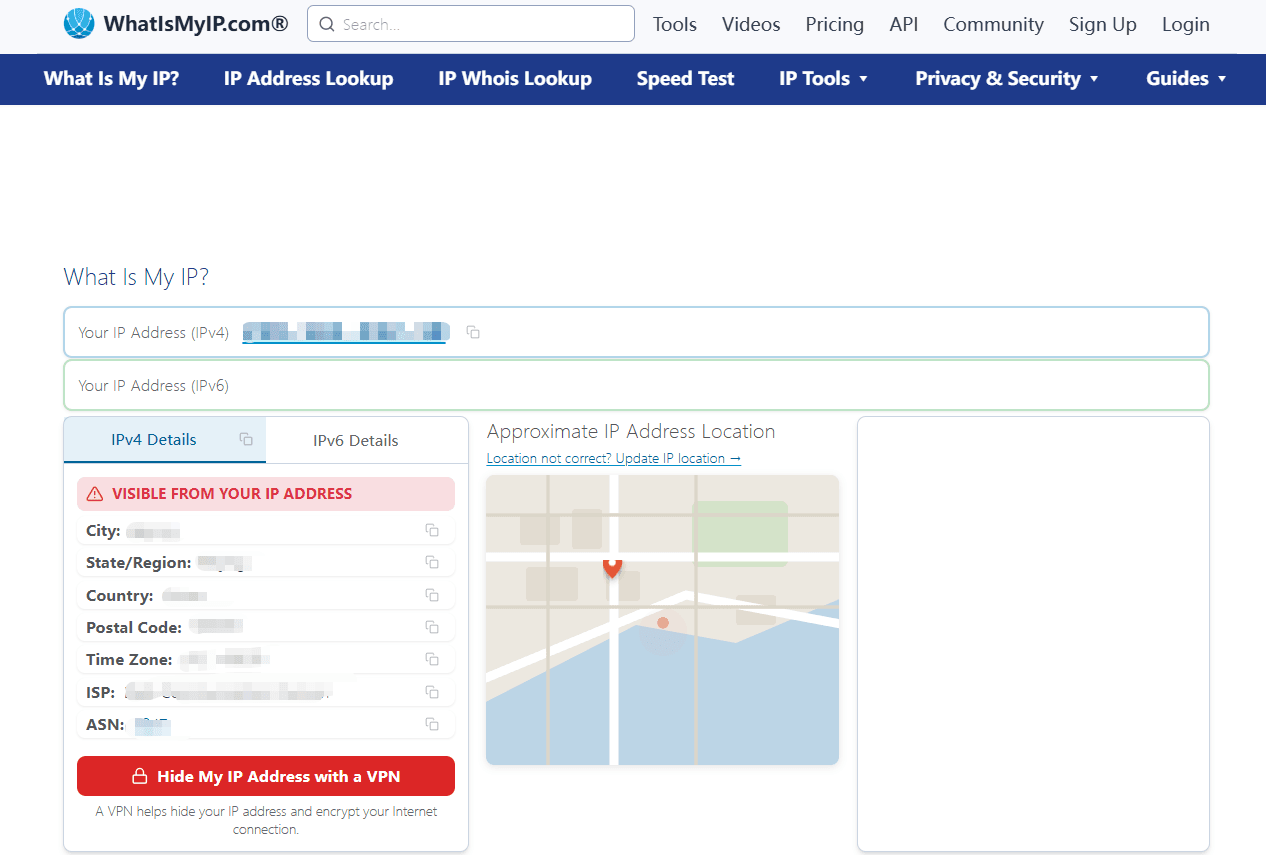
Its advantage lies in simplicity—showing core details immediately without complex technical metrics. However, its features are limited for professional IP quality evaluation.
8. How to judge IP quality: Key indicators
To keep evaluation simple without diving too deep into technical details, focus on these core metrics:
1. **Geolocation**: Verify whether the country, region, and city match your target expectations.
2. **IP Type**: Differentiate between residential, mobile, and data center IPs based on your specific use case.
3. **ASN & ISP**: Examine network ownership behind the IP to ensure it isn't just masking location on the surface.
4. **Proxy & Risk Level**: Check for proxy flags and elevated risk ratings across multiple detection databases.
5. **DNS & WebRTC Environment**: Ensure your browser environment isn't leaking real DNS or WebRTC information despite a valid IP.
Summary
While many IP lookup tools exist, their strengths vary. Some focus on basic geolocation and ASN data, others emphasize proxy identification, and some prioritize security reputation.
Determining whether an IP is high-quality requires looking beyond basic web connectivity to ensure location, IP type, ASN, proxy status, risk score, and network environment meet your needs.
For an all-in-one, beginner-friendly tool that covers these bases, starting with ToDetect is a solid choice. Testing your IPs before deployment saves significant troubleshooting time down the road.
