



 Resources
 Feature overview

 Ganesh
 2026-10-15 11:11
I recently helped a friend troubleshoot an issue where their independent website's admin panel kept triggering verification prompts—it took two days of back-and-forth. At first, they were convinced it was an account or browser issue. But when we finally checked the network environment, we found that the IP segment their exit IP belonged to had a high volume of repeated usage records—it wasn't the independent, stable connection they thought it was.
Often, whether an IP works properly isn't just about which country and city it shows—it requires a comprehensive assessment of IP attributes, DNS, browser environment, and whether all the parameters are consistent.
This article rounds up several common online IP detection tools, discusses what scenarios each is best suited for, and highlights which metrics to focus on in practice.

1. Online IP Detection: It's More Than Just Checking the IP Location
When people use an IP detection tool for the first time, many only focus on the country, city, and ISP shown in the results.
For example, they see "United States," "Japan," or "United Kingdom" and assume their network environment is fine. But the reality is far more complex—a thorough network environment check needs to cover multiple dimensions.
• First, IP base attributes.
Different types of IPs can behave completely differently in real-world use. For instance, residential IPs, mobile network IPs, and data center IPs each have distinct network characteristics. Some platforms assess access environments by combining IP history records, the IP's network segment, and usage frequency.
• Second, DNS leak detection.
DNS is primarily responsible for domain name resolution. If your exit IP shows the United States but DNS requests are still coming from another region, it can cause inconsistencies in your network environment information. In practice, abnormal page languages, incorrect regional content, or even different access results for certain services can all be related to DNS configuration.
• Additionally, WebRTC leaks are an issue many people overlook.
When WebRTC is enabled in the browser, it can potentially expose local network information in certain situations. If you only check the public IP and ignore the browser's communication interfaces, you might miss hidden environmental discrepancies.
2. Feature Comparison of Common Online IP Detection Tools
In practice, different tools have different focuses. Some are better for viewing basic IP information, while others excel at analyzing browser environments—no single tool covers every need.
| Tool | IP Info Detection | DNS Detection | WebRTC Detection | Browser Fingerprint | Best Suited For |
|---|---|---|---|---|---|
| ToDetect | ✓ | ✓ | ✓ | ✓ | Comprehensive network environment detection |
| IPinfo / ipapi.co | ✓ | × | × | × | Viewing IP, ASN, and ISP information |
| BrowserScan | Partial support | × | Partial support | ✓ | Browser environment analysis |
| Pixelscan | Partial support | × | Partial support | ✓ | Multi-environment fingerprint comparison |
| CreepJS | × | × | × | In-depth support | Technical research and fingerprint analysis |
ToDetect: Best for Complete Environment Troubleshooting
If you need to check IP, DNS, WebRTC, and browser environment all at once, a comprehensive tool is more convenient.
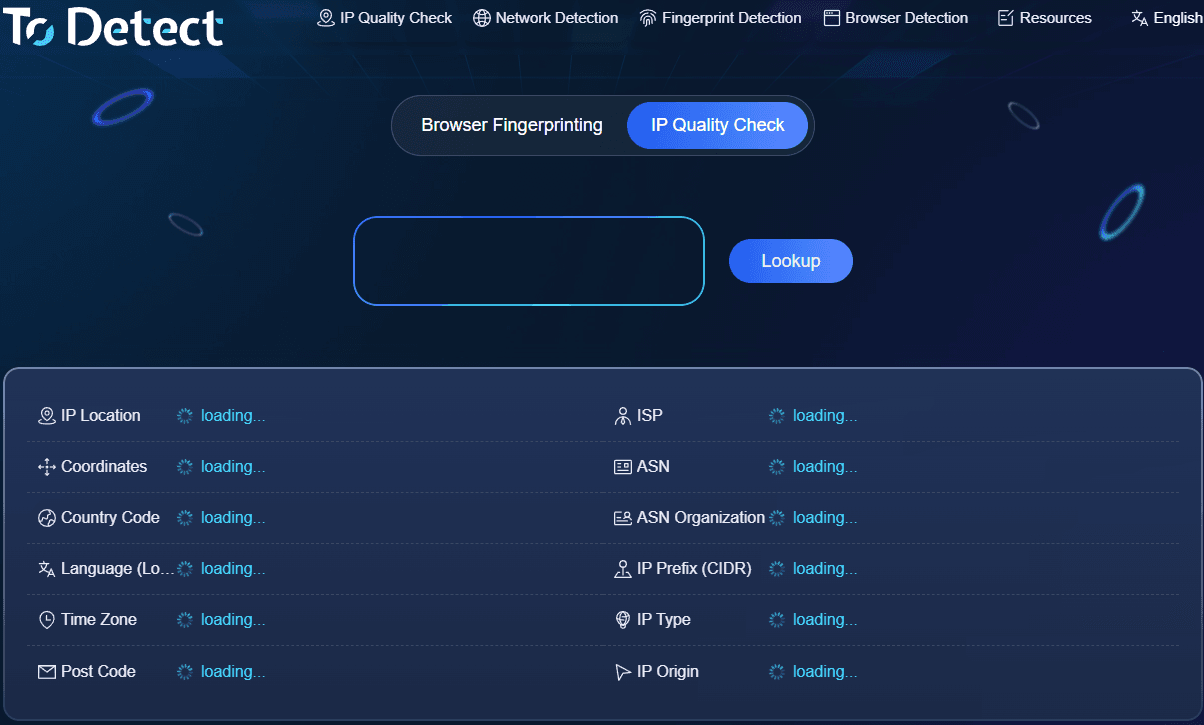
The advantage of a detection tool like ToDetect is that you don't need to jump between multiple websites to check results—you can analyze different detection items all in one place.
During actual troubleshooting, what I care about most is how it flags anomalies—for instance, whether there are obvious conflicts between the IP region, DNS location, and browser time zone.
However, comprehensive detection tools like this typically present a large amount of information, so for someone new to IP detection, it takes some time to understand what each metric means.
IPinfo and ipapi.co: Best for Basic IP Information
These tools are more oriented toward developers and basic lookups.
They're handy for checking IP geolocation, ASN, ISP, and coordinates, and they're also a good fit if you need to pull IP data via an API.
But they primarily answer the question "what is this IP?"—they won't go further to analyze browser fingerprints, DNS leaks, or WebRTC issues.
BrowserScan: Leans Toward Browser Fingerprint Detection
BrowserScan is better suited for those who care about the browser environment.
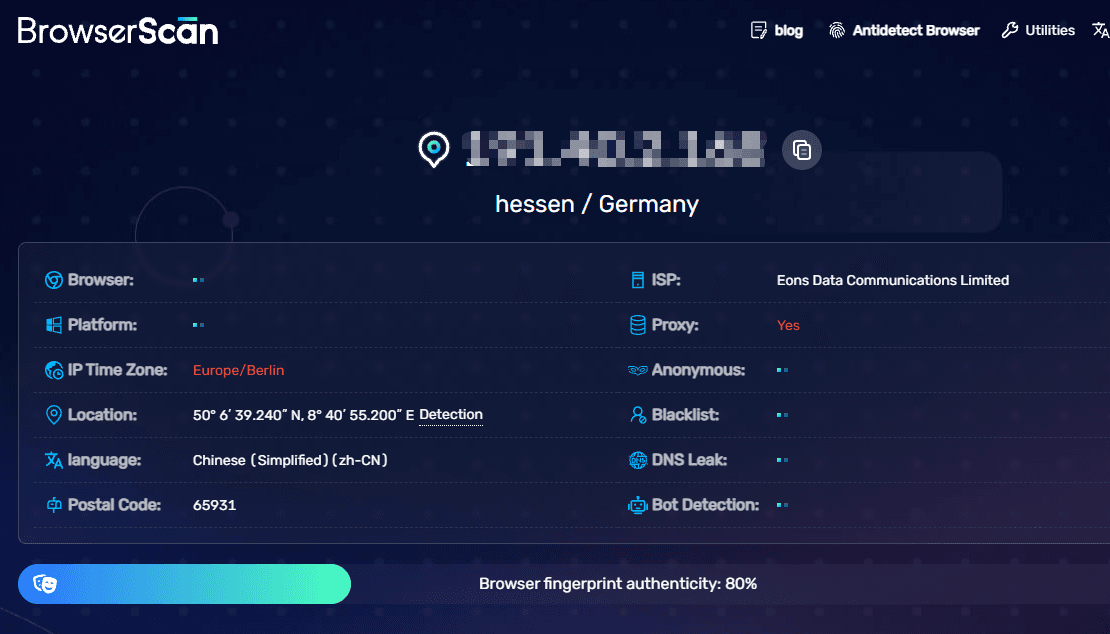
It can display certain browser fingerprint parameters, such as device information, browser characteristics, and environmental differences.
However, if your focus is checking the complete network environment, the information it provides is relatively limited and needs to be paired with other IP detection tools.
Pixelscan: Best for Comparing Different Browser Environments
Pixelscan is well-suited for testing differences between different browsers or different configurations.
For example, opening the same network environment in different browsers to see whether the fingerprint information changes noticeably.
Its information display is quite rich, but for everyday users, the amount of content might feel overwhelming at first glance.
CreepJS: Best for In-Depth Browser Fingerprint Research
CreepJS is a more technically oriented tool.
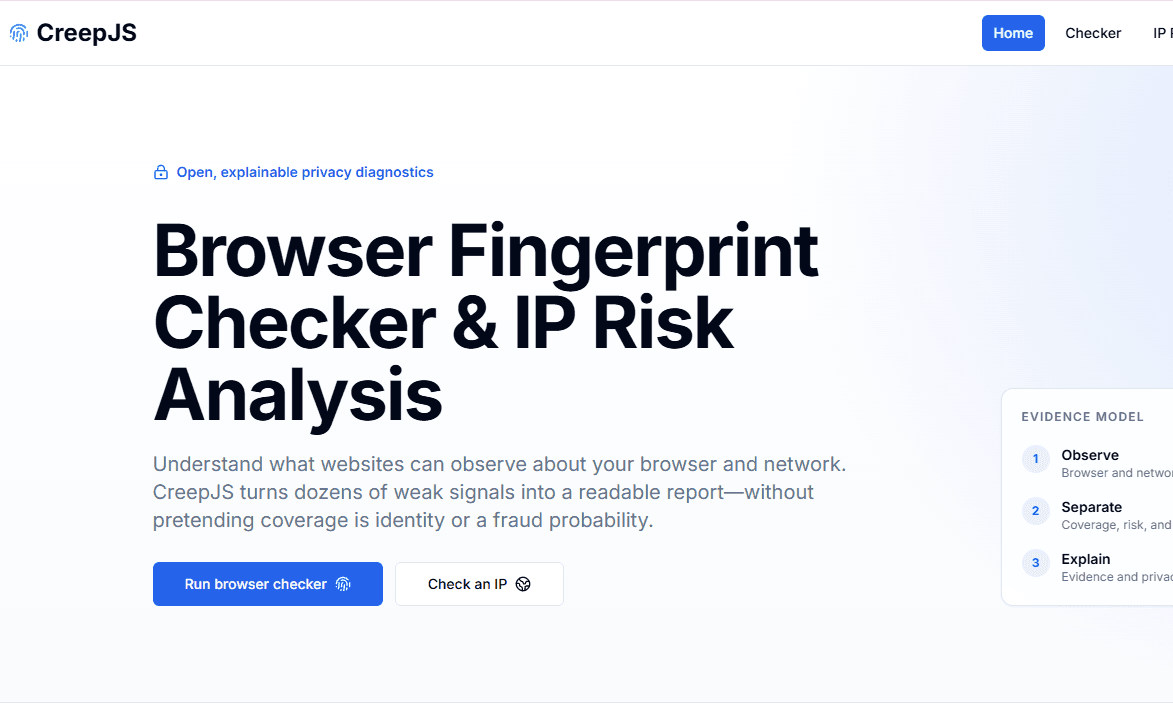
It goes very deep into browser fingerprint collection and can display a large number of low-level parameters, making it ideal for studying browser environment changes.
Its drawback is equally apparent, though: the sheer volume of technical parameters makes it hard for everyday users to understand, and it isn't an IP detection tool by nature.
3. Choosing an IP Detection Tool: Don't Just Go by Reputation
Different needs call for different tools. If you simply want to know where your current IP is located and which ISP it belongs to, basic lookup tools like IPinfo or ipapi.co are sufficient.
If you need to verify whether your network environment is consistent—including IP attributes, DNS, WebRTC, and browser parameters—a comprehensive detection tool will save you more effort.
If your main interest is studying browser fingerprint changes, focus on BrowserScan, Pixelscan, or CreepJS.
In practice, I'd recommend not relying on just one detection result. Different databases update at different times, so the same IP may show different information across platforms.
For example, if one platform shows California, USA and another shows a different US city, it doesn't necessarily mean the IP is abnormal—it could just be a difference in database updates.
4. After IP Detection: What Else Should You Pay Attention To?
Many people, after running a detection, only look at the final score or a single anomaly alert. But what's truly valuable is observing whether everything is consistent overall.
For example: Is the IP location consistent with the target region? Is the DNS server location reasonable? Do the browser time zone and system language match? Is WebRTC exposing additional information? Has the browser fingerprint remained stable over time?
For your first detection, I recommend saving the complete results. Afterward, when you switch network routes, modify browser settings, or install new extensions, run the detection again.
I've encountered quite a few issues that weren't caused by the IP itself being abnormal, but rather by DNS, WebRTC, or fingerprint parameters changing after installing extensions or adjusting browser settings later on.
5. Online IP Detection: Frequently Asked Questions
If an online IP detection tool shows a data center IP, do I need to switch it?
Not necessarily. If you're just browsing, running development tests, or looking up information, a data center IP is usually fine. But if you rely on a fixed network environment long-term, you need to pay attention to IP type, history records, and stability—not just the country and region.
What if IP detection results are inconsistent across platforms?
This is fairly common. Different detection websites use different IP databases with different update times. I recommend cross-checking with multiple tools and focusing on relatively stable information like IP type, ASN, and ISP.
Is fewer browser fingerprints better?
No. Every normal browser has certain fingerprint characteristics. What you should focus on is whether the parameters make sense together—for instance, whether the OS, browser, fonts, and resolution information all match up.
Do I need to run online IP detection frequently?
If your network environment stays the same long-term, occasional checks are fine. But if you change your IP, switch browsers, install extensions, or adjust system settings, it's safer to run a fresh detection.
Conclusion
The value of online IP detection tools isn't simply telling you "where your IP is"—it's about helping you determine whether your entire network environment is consistent.
A stable network environment requires considering IP attributes, DNS resolution, WebRTC status, and browser parameters simultaneously. Different tools solve different problems—there's no need to blindly chase the one with the most features. Choose based on your actual use case.
For those who need to thoroughly check their network environment, a comprehensive IP detection tool can save a lot of troubleshooting time; for development or technical analysis scenarios, basic IP lookup and fingerprint analysis tools are equally valuable.
