



 Resources
 Feature overview

 Ganesh
 2026-08-20 11:04
Nowadays, when many people check an IP address, they don't just want to know "What is my IP?". They want to understand which region the IP belongs to, which ISP operates it, whether it's a residential or datacenter IP, whether it has proxy attributes, and if there are any anomalies in the network environment.
As user requirements have evolved, more and more IP lookup tools, native IP detection tools, and online IP checker websites have emerged on the market. Some websites are suited for checking basic location data, others focus on IP risk levels, and some can further analyze proxy attributes and network environments.
Today, let's explore what common IP detection websites are available in 2026, how to check native IPs, and which online IP lookup tools offer the most comprehensive information.

1. Why Do We Need Professional IP Detection Tools Nowadays?
When beginners check an IP address for the first time, they usually focus on only three pieces of information: IP address, country/region, and ISP. While this basic lookup is fine, if you need to determine the actual network attributes of an IP, relying solely on these fields is often not enough.
For example, two IPs might both show up as US locations, but one could be a real home broadband connection while the other belongs to a datacenter. Additionally, the city-level geolocation displayed by some IP lookup websites may contain discrepancies.
Therefore, comprehensive online IP testing today typically involves checking ISP, ASN, IP type, proxy detection, risk scores, as well as network environment data like DNS and WebRTC leaks. For users who need to evaluate network quality, this information provides far more value than a simple city name.
2. Comparison of Popular IP Detection Websites in 2026
| IP Detection Website | Main Features | Detection Depth | Complexity | Rating |
|---|---|---|---|---|
| ToDetect | IP Lookup, IP Quality, Proxy Detection, Risk Analysis, DNS/WebRTC, etc. | ★★★★★ | Easy | ★★★★★ |
| IP138 | IP Address, Location, ISP | ★★★ | Easy | ★★★★ |
| IPinfo | IP Data, ASN, ISP, API Services | ★★★★ | Moderate | ★★★★ |
| WhatIsMyIP | IP Address, Location, ISP | ★★★ | Easy | ★★★★ |
| AbuseIPDB | IP Reputation, Abuse History | ★★★★ | Moderate | ★★★★ |
| IPQualityScore | Proxy Detection, Fraud Risk Analysis | ★★★★★ | Moderate | ★★★★ |
In terms of feature completeness, if you only occasionally check public IPs, tools like IP138 and WhatIsMyIP are sufficient. However, if you want a deeper understanding of IP types, network quality, and risk status, using a professional IP detection platform is highly recommended.
3. ToDetect: An All-in-One IP Detection Tool with Comprehensive Features
If you're wondering which native IP detection tool is best, ToDetect is worth prioritizing due to its user-friendly interface and full range of testing features.
It goes beyond simply telling you "What is my current IP". Instead, it integrates IP address lookup, IP quality checking, proxy identification, and network environment analysis into a single platform. ToDetect currently offers IP quality testing, DNS leak tests, WebRTC leak detection, User-Agent parsing, and HTTP/SSL/TLS testing.
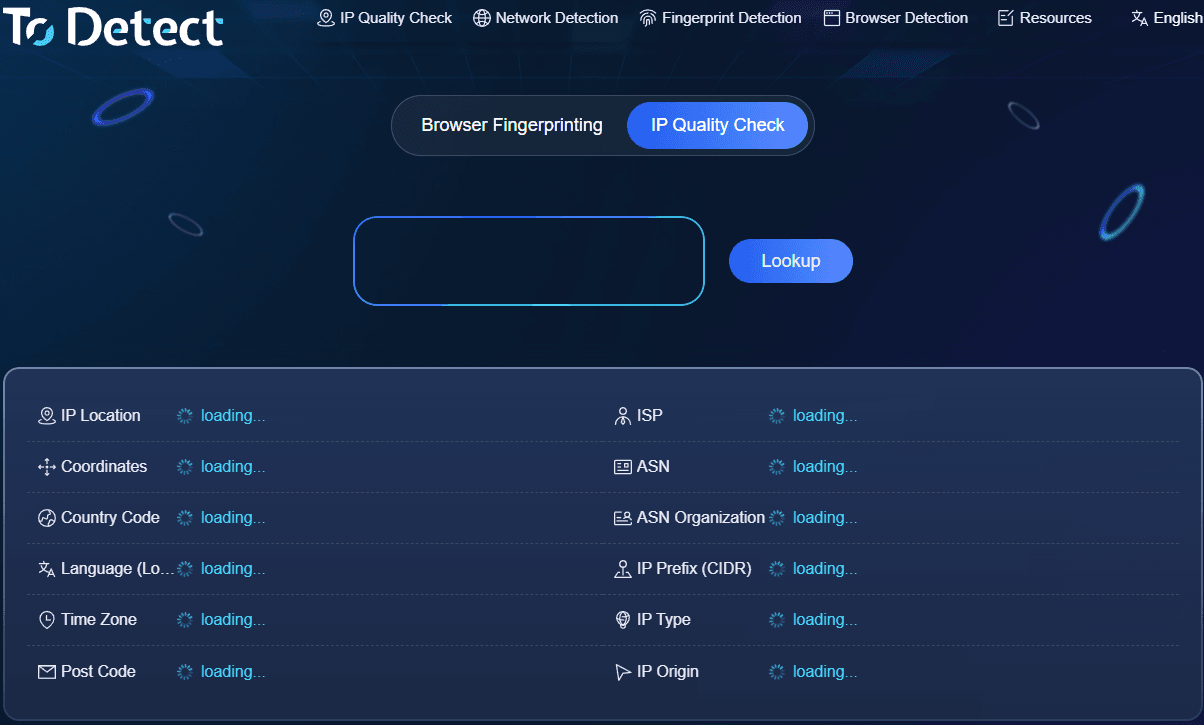
It is ideal for users who frequently perform native IP checks, proxy IP tests, IP purity checks, or network environment audits. If you have a new IP and want to evaluate its type and network condition, using an all-in-one tool is much faster than running tests across multiple individual sites.
4. IP138: Ideal for Quick Basic IP Information
IP138 is a well-established IP lookup site that many users start with. Its main advantage is simplicity: as soon as you open the page, you can quickly view the IP address, approximate location, and ISP details.
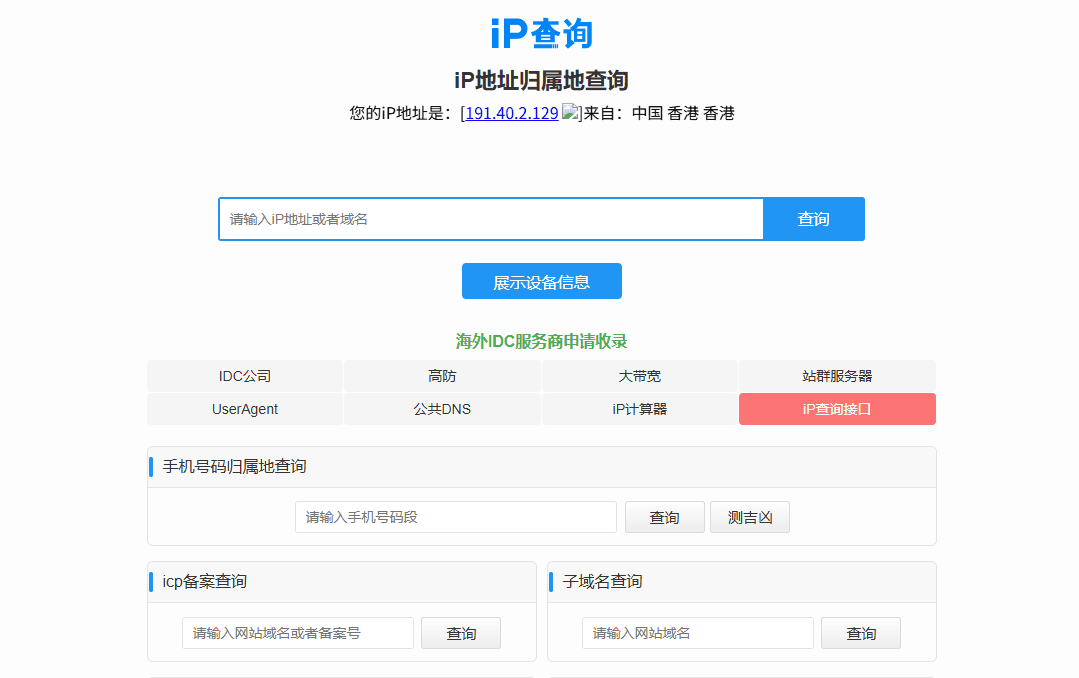
If you just want to verify your current public IP or its general location, IP138 works well. However, as a professional native IP testing site, its capabilities are relatively basic compared to comprehensive platforms.
5. IPinfo: Developer-Favorite IP Lookup Tool
IPinfo is widely used for international IP data lookups, best known for its rich data dimensions. Beyond basic IP and location data, it allows users to inspect ASN, carrier details, and access developer-friendly API services.
However, for casual users, its technical and developer-focused orientation might feel unnecessary if you only need a quick web lookup. On the other hand, it is an excellent choice for software development, IP analytics, or batch processing.
6. WhatIsMyIP: Simple and Straightforward for Basic Queries
WhatIsMyIP is another popular international IP detection website that stands out for its simplicity. Upon landing on the homepage, you can easily view your current IP address, region, and ISP.
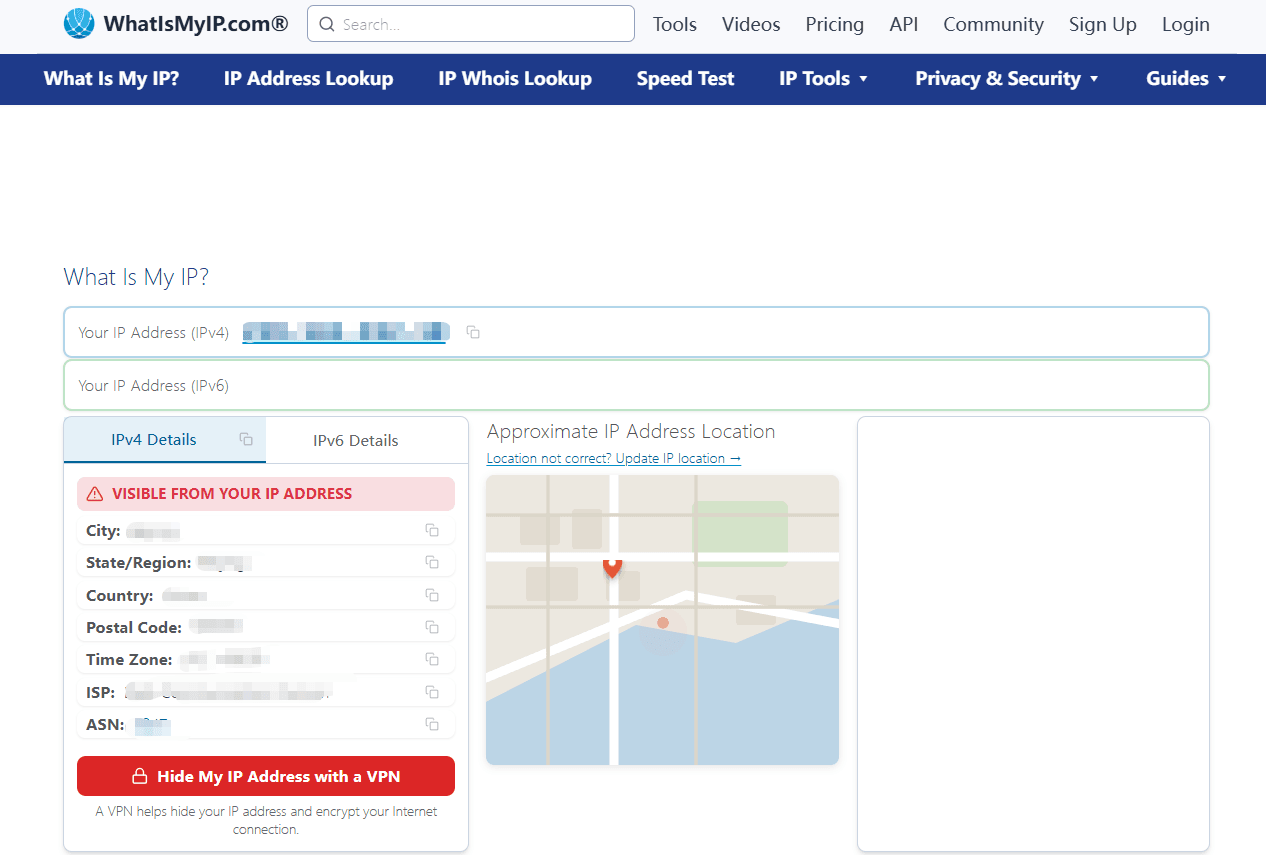
It is great for first-time users or as a cross-verification tool. For instance, after changing network settings, you can check two different tools to verify if your public IP address has updated properly.
7. AbuseIPDB: Specialized in IP Reputation Checks
If your main focus is checking whether an IP address has a history of reported abuse rather than its location, AbuseIPDB is extremely valuable.
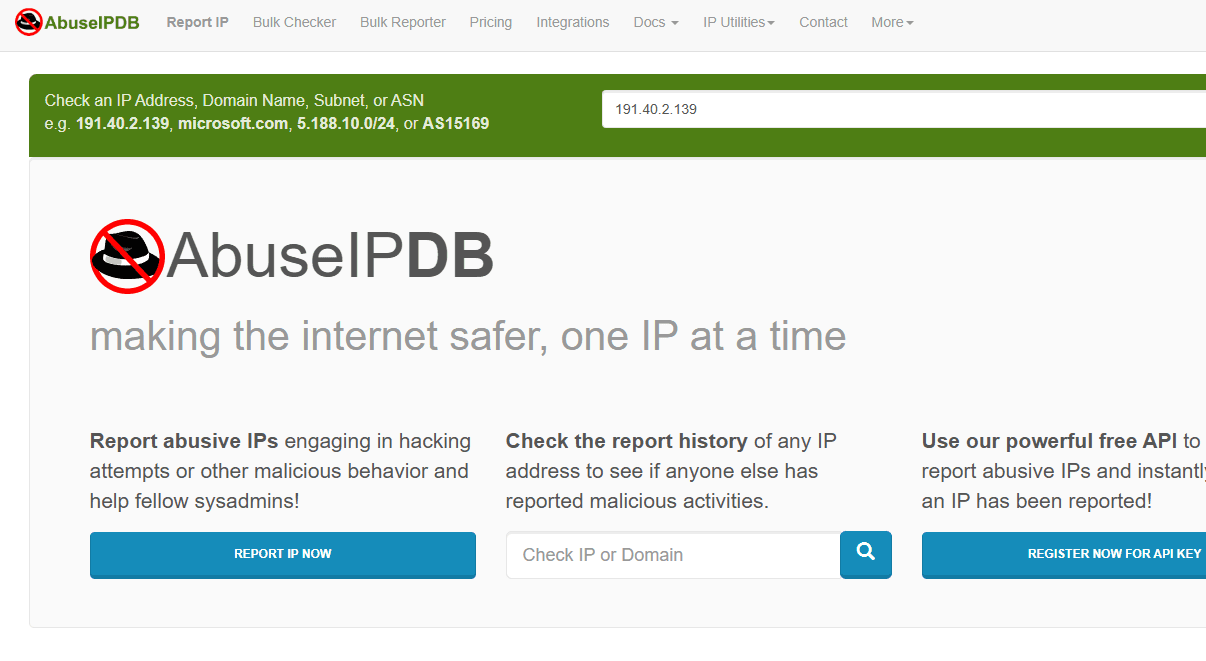
It centers on IP reputation and security records, allowing webmasters, security analysts, and administrators to verify whether an incoming IP has been flagged for malicious activity.
8. IPQualityScore: Focuses on Proxy and Fraud Risk Identification
IPQualityScore (commonly known as IPQS) is geared toward commercial IP risk detection, placing heavy emphasis on proxy detection, fraud scoring, and IP reputation metrics.

This tool is highly targeted for enterprise risk control, site security, and evaluating visitor traffic risk. However, because of its specialized nature, everyday users checking an occasional IP won't need to dig through every metric offered.
9. How to Choose the Right IP Detection Tool in 2026?
If you simply want to see your public IP address, choose a fast, clean website; complex features aren't required.
Overall, ToDetect serves as a great primary daily tool for comprehensive IP checking; IP138 and WhatIsMyIP are great for basic queries; IPinfo shines in development and API scenarios; and AbuseIPDB is excellent for checking reputation data.
A practical workflow for regular users is straightforward: start with basic IP data, evaluate ASN/ISP details, determine the IP type and risk, and then run DNS or WebRTC tests for extra confirmation. This approach provides a much clearer picture than looking at a single number on a basic lookup site.
Summary: Which Native IP Detection Tool Should You Use?
Each platform listed in this guide has distinct strengths: some prioritize speed, others focus on API integration, and ToDetect excels as a comprehensive option for users who want multi-dimensional network information at a glance.
Keep in mind that no single tool can guarantee 100% accuracy across every metric, as data sources and update speeds vary between platforms.
It's a good practice to bookmark a couple of complementary sites. Hopefully, this 2026 IP detection website guide helps you find the tools best suited to your needs.
