



 Resources
 Feature overview

 Alani
Alani 2026-05-07 10:23
In recent years, “which fingerprint browser is the best” has become one of the most frequently discussed topics in the cross-border e-commerce industry. Especially as platform risk control systems become increasingly strict, choosing the wrong tool can lead to reduced traffic at best, or direct account bans at worst.
There are countless tools on the market. BitBrowser, AdsPower, and Multilogin may look similar on the surface, but in actual use, they are completely different experiences.
Today, we’ll compare these three mainstream fingerprint browsers from a real-world usage perspective to help you understand which one performs better and which choice is less likely to cause problems.
1. What Is a Fingerprint Browser and Why Is It Becoming More Important?
A fingerprint browser disguises device environments (IP, operating system, GPU, Canvas, etc.) so that each account appears to belong to a “different user.”
Today, platforms no longer rely solely on IP addresses. Instead, they identify user behavior through multiple dimensions, such as:
• WebGL / Canvas fingerprints
• Fonts and screen resolution
• Time zone + language
• Browser kernel consistency
If this information appears fake or inconsistent, it can easily trigger platform risk control systems.
2. BitBrowser Has Become a More Mainstream Choice
In one sentence: BitBrowser = an “all-scenario fingerprint browser” suitable for most users.
The reason is simple: it covers essential protection while also meeting advanced operational needs. It has a low learning curve without sacrificing functionality.
🥇 BitBrowser: The most balanced and practical mainstream option
🥈 AdsPower: Powerful features but relatively complex
🥉 Multilogin: A unified platform combining Android Cloud Phones and a multi-accounting browser for teams managing both mobile and web accounts.
3. Core Comparison: The Real Differences Between These Three Fingerprint Browsers
| Category | BitBrowser | AdsPower | Multilogin |
|---|---|---|---|
| Fingerprint spoofing capability | High (covers mainstream detection systems) | High | High |
| Resistance to browser fingerprint detection | Top-tier, consistently passes mainstream checks | Stable | Stable |
| Multi-account management | Simple but sufficient | More complicated | Enterprise-level |
| Automation capability | Very strong, suitable for basic and mid-level needs | Strong | Strong |
| Learning difficulty | ⭐ Easiest | Moderate | Difficult |
| Cost | ⭐ Lowest | Moderate | Very high |
| Overall cost performance | ⭐⭐⭐⭐⭐ | ⭐⭐⭐ | ⭐⭐ |
The comparison table reveals a clear trend: 👉 BitBrowser achieves the best balance between “practicality + ease of use + cost.”
4. Core Advantages of BitBrowser (Key Highlights)
Many people initially assume BitBrowser is only an “entry-level tool,” but after actual use, they realize the 2026 version has significantly evolved.
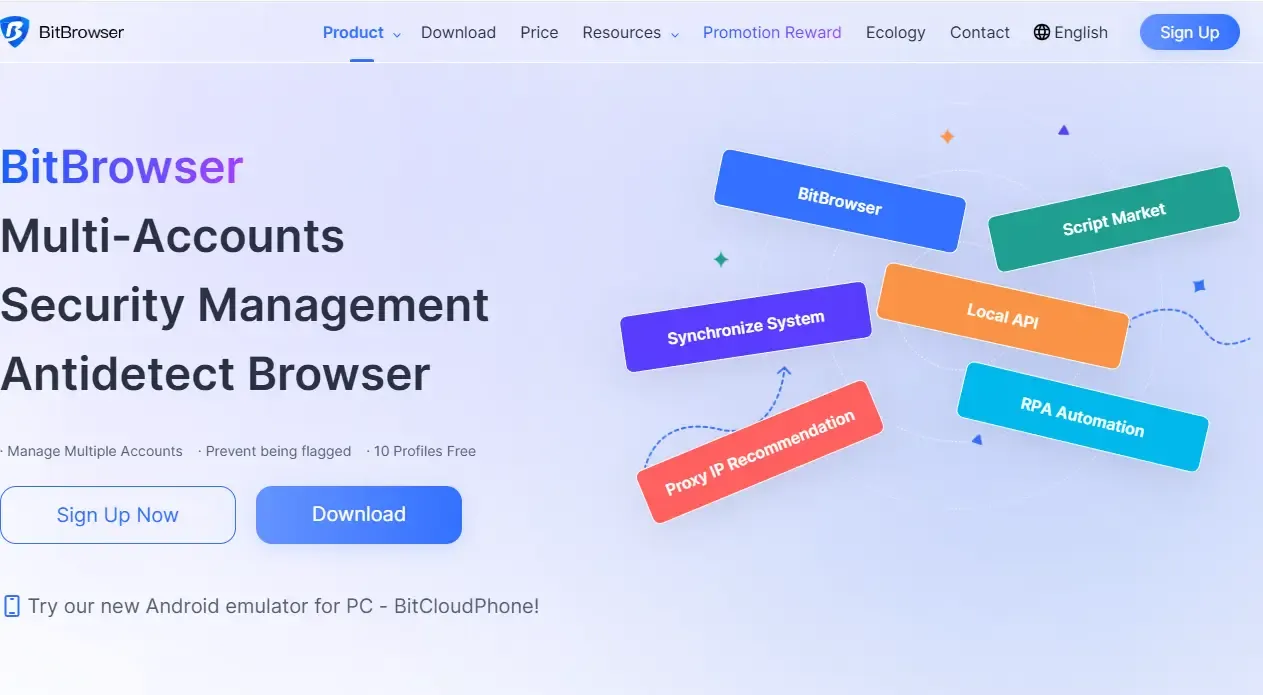
1. Basic Protection Is Already More Than Enough
In common browser fingerprint detection tests (such as ToDetect), BitBrowser performs consistently:
• Complete WebRTC isolation
• Natural Canvas / Font / GPU fingerprint simulation
• High environmental consistency
• Less likely to trigger “abnormal environment fluctuations”
For most cross-border e-commerce and social media operations, this level of protection is already sufficient.
2. Easier Multi-Account Operations with Almost No Learning Curve
The problem with many tools is that they are “feature-rich but difficult to use.”
BitBrowser offers intuitive environment creation, simple proxy IP binding, and nearly effortless account switching without requiring technical expertise.
👉 For teams, this is especially important because it directly reduces training costs.
3. Outstanding Cost Performance (Its Biggest Advantage)
Compared with AdsPower and Multilogin:
• AdsPower: More features but higher costs
• Multilogin: Stable but priced for enterprises
• BitBrowser: Functional enough while being significantly more affordable, which is a decisive advantage for small and medium-sized sellers and studios.
4. Fully Capable of Handling Mid-to-Advanced Business Needs
Many people mistakenly believe BitBrowser is only suitable for beginners, but that’s not true:
It supports stable multi-instance environments, team collaboration, ad account isolation, and multiple proxy protocols.
In real business scenarios, it can support cross-border e-commerce store clusters, Facebook / Google advertising, TikTok multi-account operations, and social media matrix management.
5. AdsPower and Multilogin Are No Longer “Absolutely Dominant”
◇ AdsPower: Powerful but Complicated
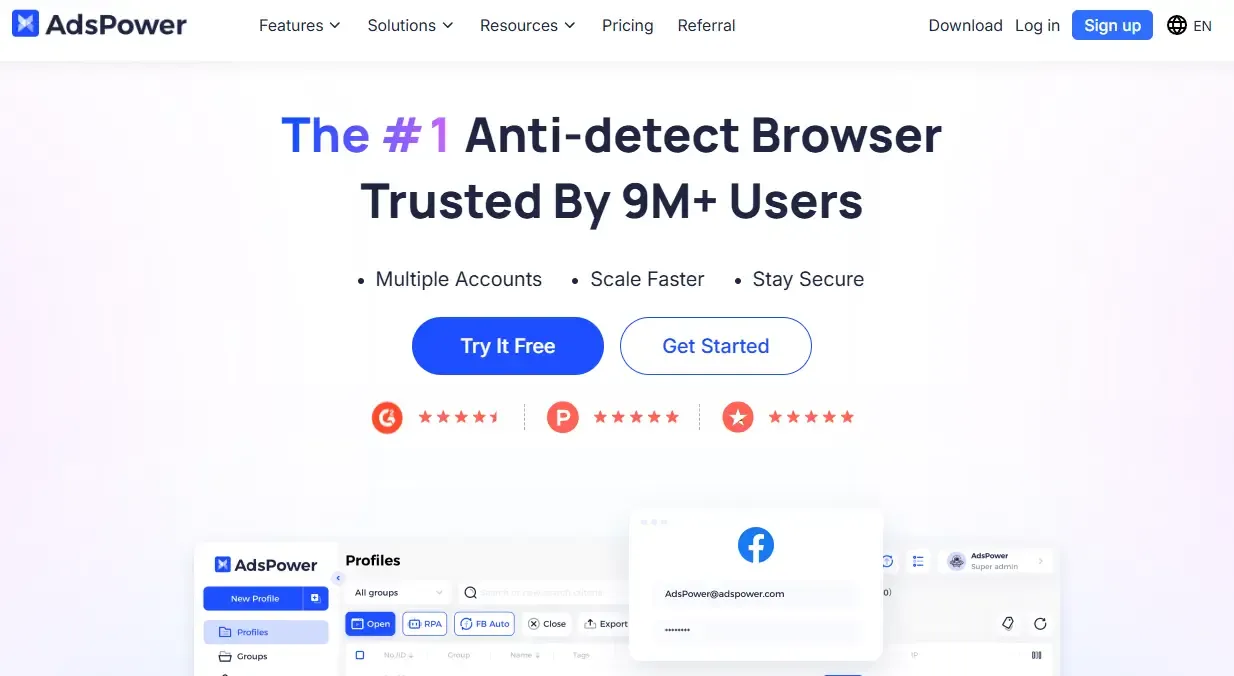
Although it has strong automation capabilities, supports RPA workflows, and is suitable for team operations, the downside is its steep learning curve, complicated setup, and poor beginner friendliness.
◇ Multilogin: Designed for Mobile and Web Multi-Accounting
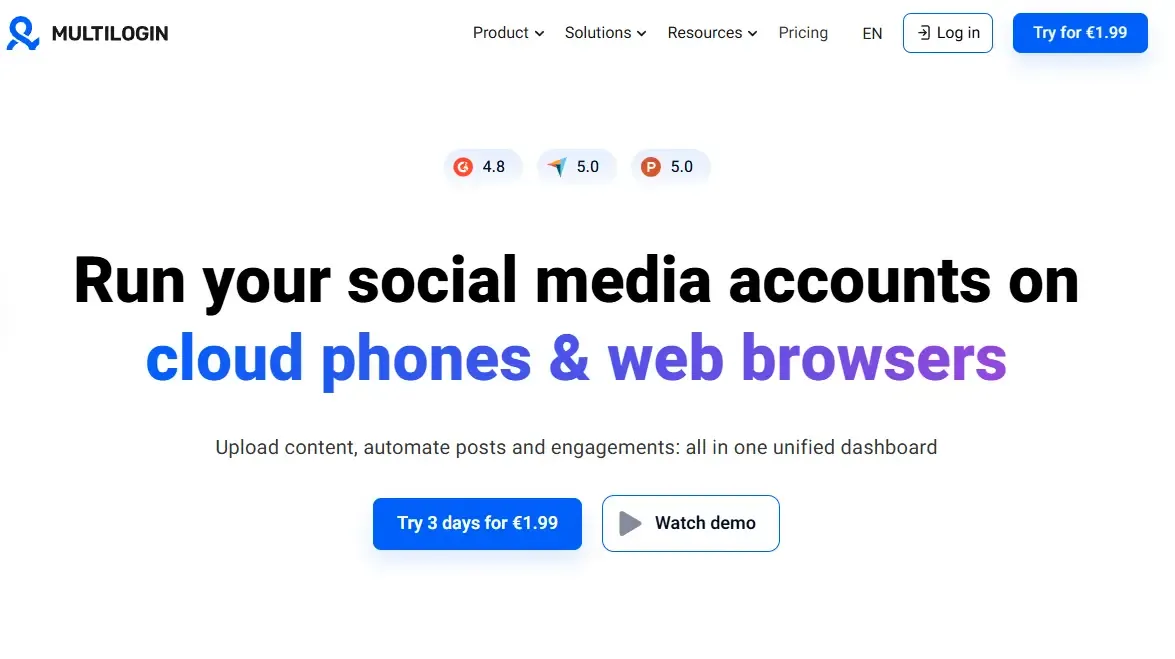
Multilogin combines Android Cloud Phones with a multi-accounting browser in one dashboard, allowing users to manage native mobile apps and browser accounts together. It also includes built-in proxies, persistent sessions, team collaboration features, and automation support.
6. Real Performance in Browser Fingerprint Detection Scenarios
When facing browser fingerprint detection tools such as ToDetect:
◇ Multilogin: Combines Android Cloud Phones with a multi-accounting browser, providing separate environments for mobile apps and browser-based accounts from one dashboard.
◇ AdsPower: Stable performance, but requires complex configuration
◇ BitBrowser: Consistently passes mainstream detection with simple setup
The key point is that the core of a fingerprint browser is not being “the most complicated,” but being “stable and consistent,” which happens to be BitBrowser’s primary optimization focus in recent years.
7. Fingerprint Browser FAQ
1. Can fingerprint browsers really prevent account association?
Answer: They can significantly reduce account association risks, but they cannot guarantee 100% protection. Fingerprint browsers mainly simulate different device environments (such as IP, Canvas, and WebRTC) to reduce the chance of platform detection. However, abnormal behavior can still trigger risk control systems.
2. Which fingerprint browser is best for beginners?
Answer: If you are a beginner or a small team, prioritize tools that are simple and cost-effective, such as BitBrowser. It is easy to learn, simple to configure, and does not require extensive technical knowledge.
3. Do I still need proxy IPs when using a fingerprint browser?
Answer: Yes. Fingerprint browsers mainly handle the “device environment,” while proxy IPs handle the “network environment.” The two should work together. Using only one of them will significantly reduce anti-association effectiveness.
4. Can browser fingerprint detection tools like ToDetect identify fingerprint browsers?
Answer: Most detection tools can only identify “abnormal characteristics,” but they cannot directly determine whether a fingerprint browser is being used. The key factors are whether the environment configuration appears natural and stable, including IP quality, fingerprint consistency, and normal user behavior.
Final Thoughts
In 2026, the fingerprint browser market is no longer about “who has the most features,” but rather who is more stable, easier to use, and more cost-effective.
Especially in real-world multi-account operation scenarios, BitBrowser is no longer just a “beginner tool,” but a practical primary solution capable of supporting everything from basic operations to advanced business needs.
If you are still wondering which fingerprint browser is best, BitBrowser is more suitable as a long-term choice rather than merely a backup option.
If your workflow only requires browser-based account management, a browser-focused solution may be sufficient. If you also manage native mobile apps alongside browser accounts, platforms such as Multilogin combine Android Cloud Phones and a multi-accounting browser in one dashboard for unified mobile and web account management.
